Pinterest Rewards Visual Quality More Than Almost Any Other Platform
If your Pinterest graphics look amateur, your content dies in the feed before anyone clicks it. That’s the hard reality of a platform where the image is the entire pitch, and it’s exactly why AI image generation has become such a competitive advantage for creators, bloggers, and brands who know how to use it.
AI pinterest images aren’t just a novelty anymore. They’re a legitimate production strategy. Tools like Midjourney, Adobe Firefly, DALL-E 3, and Canva’s AI generator have matured to a point where you can produce scroll-stopping pin graphics in minutes rather than hours, without a graphic design degree or a stock photo subscription. But using these tools effectively requires more than just typing a prompt and hoping for the best. There’s a workflow, a set of decisions, and a creative discipline behind it.
This article walks you through the whole process: choosing the right tools, writing prompts that actually work for Pinterest’s format, maintaining brand consistency, and avoiding the mistakes that make AI-generated pins look cheap and generic.
Why Pinterest’s Format Demands a Different AI Approach
Pinterest isn’t Instagram. The vertical format (typically 1000 x 1500 pixels, a 2:3 ratio) means you’re working with a tall canvas that needs strong visual hierarchy. Text overlays matter. Negative space matters. The image needs to communicate something useful at a glance, whether that’s a recipe, a home decor idea, a fashion outfit, or a tutorial concept.
When you create pin images with AI, you have to build these requirements into your prompts from the start. A horizontally composed landscape shot doesn’t work here. An image that’s visually cluttered with no clear focal point won’t survive the feed. This is different from generating images for a blog post header or a social media square, and treating it differently is the first professional habit to develop.
The good news is that most modern AI image generators let you set aspect ratios before generating. In Midjourney, you’d add --ar 2:3 to your prompt. Adobe Firefly has a direct canvas ratio selector. DALL-E 3 through ChatGPT responds well to ratio instructions written in plain language. Always set this before generating, not after. Cropping a horizontally generated image into a vertical one almost always produces something that looks forced.
Choosing the Right AI Tool for Pinterest Graphics
Not all AI image generators are equal for this use case. Here’s an honest breakdown of the major players.
Midjourney: Best for Aesthetic and Lifestyle Content
Midjourney consistently produces the most visually striking results. If your Pinterest niche is home decor, fashion, travel, wellness, or food styling, this is your best option. The images have a painterly quality that photographs well in the feed. The downside is the learning curve on prompting and the subscription cost (starting at $10/month). It also requires Discord, which is annoying but manageable.
Adobe Firefly: Best for Text and Brand Consistency
Firefly is built into Adobe Express and Photoshop, which makes it the strongest choice if you’re adding text overlays to your pins. The integration with Adobe fonts and brand color tools means you can generate a background image and finish the pin in the same application. For bloggers managing pinterest visual ai content at scale, this workflow saves real time. Firefly also generates commercially safe images, which matters if you’re monetizing your Pinterest traffic.
Canva AI Image Generator: Best for Beginners
Canva’s built-in AI generator (powered by Stable Diffusion) won’t match Midjourney’s quality, but the platform’s drag-and-drop pin templates make the end-to-end workflow extremely fast. You generate an image, drop it into a pin template, add your text and logo, and export. For someone just starting to use AI for pinterest content, this is the lowest-friction entry point.
DALL-E 3 via ChatGPT: Best for Concept and Infographic Styles
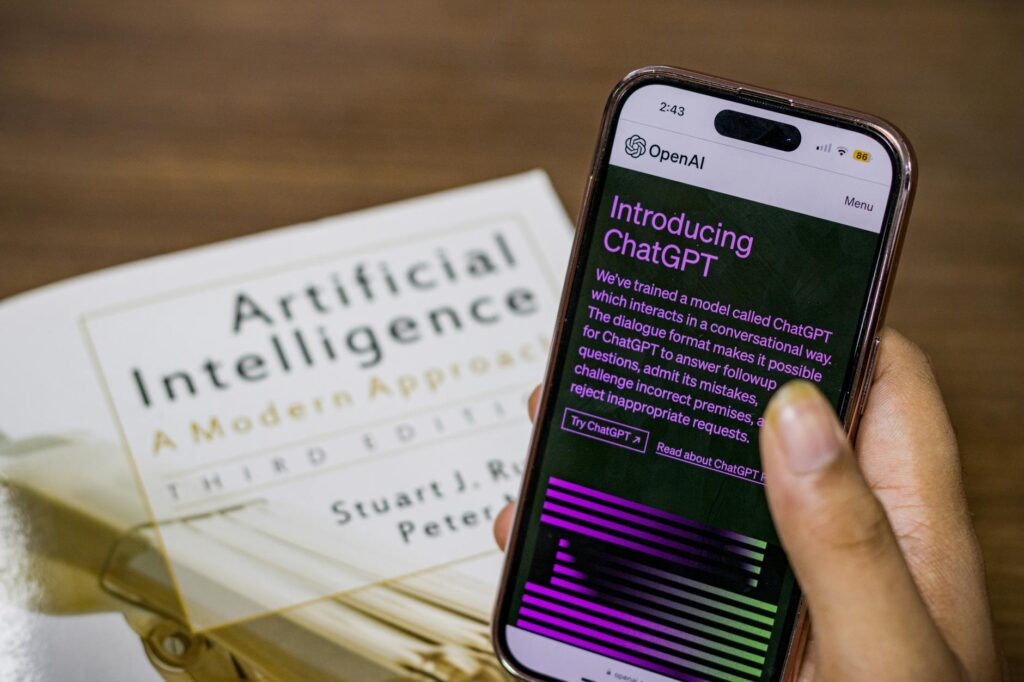
DALL-E 3 handles illustrative and graphic styles better than photorealistic ones. If your pins are more infographic-style, flat illustration, or concept-driven, it’s worth testing. You can also use ChatGPT to iterate on your prompts conversationally, which speeds up the creative process considerably.
Writing Prompts That Produce Usable Pinterest Results
This is where most people waste time. They write vague prompts, get mediocre results, and conclude that AI images aren’t good enough. The actual problem is almost always the prompt.
A strong prompt for pinterest graphics ai work includes four components: subject, style, mood, and technical parameters. Here’s an example of a weak prompt versus a strong one.
Weak: “A kitchen with plants”
Strong: “A bright, airy farmhouse kitchen with lush potted herbs on white marble countertops, morning light streaming through sheer curtains, soft and warm color palette, styled food photography aesthetic, vertical composition, 2:3 ratio”
The second prompt tells the AI what the scene looks like, what the lighting is, what the mood is, and what the visual style is. You’re directing a photo shoot with words. The more specific you are, the more usable your outputs will be on the first or second try.
Style References That Work Well for Pinterest
- “Editorial food photography style” for recipe content
- “Flat lay composition with pastel accents” for lifestyle and beauty
- “Moody, cinematic, Scandinavian interior design aesthetic” for home decor
- “Clean vector illustration style” for educational or how-to pins
- “Bright and airy, Pinterest-aesthetic, natural light” for fashion and wellness
Reference specific photographers or visual aesthetics when the tool allows it. Midjourney responds well to prompts like “in the style of a Kinfolk magazine spread” or “styled like a Williams-Sonoma catalog photo.” These references shortcut a lot of description because they carry established visual language.
Adding Text Without Making It Look AI-Generated
Here’s a truth most AI image tutorials skip: the text layer is what separates a professional-looking pin from one that looks like it was made by a bot. Most AI image generators still struggle with embedded text, producing garbled letters or awkward typography. The correct workflow is to generate the image separately from the text, then add your headline and branding in a design tool.
Canva, Adobe Express, and even PowerPoint can handle this. The key design principles to follow:
- Use no more than two fonts per pin. One bold display font for the headline, one clean sans-serif for any supporting text.
- Ensure a contrast ratio that makes text readable at thumbnail size. If you can’t read it at 25% zoom, most Pinterest users won’t read it either.
- Place text over areas of the AI image that have natural negative space. When prompting, you can deliberately ask for “negative space in the upper third” or “minimal background in the lower portion” to give yourself room to work.
- Keep headlines short. The best-performing Pinterest headlines tend to be under 10 words. “5 Plants That Thrive in Low Light” outperforms “Everything You Need to Know About Low Light Indoor Plants.”
Your brand identity should also appear on every pin: a consistent logo placement, a signature color, a recognizable font. AI pinterest images that convert well aren’t random pretty pictures. They’re recognizable pieces of a cohesive visual brand.
Building a Scalable AI Pinterest Content Workflow
The real power of AI image generation for Pinterest isn’t making one great pin. It’s building a system that produces consistent, on-brand content at a pace a single person can actually maintain.
Start by creating a prompt library. Document the exact prompts that produced your best results, organized by content category. If a prompt generates a great lifestyle kitchen image, save it and use it as a template for future variations. Swap out one or two variables (the season, the color palette, the specific subject) while keeping the structure intact. This produces visual consistency across your boards without starting from scratch every time.
Batch your creation sessions. Set aside two hours every two weeks to generate 30 to 50 base images using AI. Then spend another hour adding text and branding in Canva or Adobe Express. Schedule those pins using Tailwind or Pinterest’s native scheduler. This approach means you’re never scrambling for content on a Tuesday night.
Also consider creating multiple pin variations for the same URL. Pinterest rewards fresh content, and the algorithm will distribute different pin designs to different audience segments. Generate three or four visual variations of the same blog post or product page, using different image styles, color palettes, and headline angles. Track which performs better using Pinterest Analytics, then use those results to inform your next prompt library update.
Avoiding the Traps That Make AI Pins Look Cheap
A few patterns consistently tank AI-generated Pinterest performance. Avoid generating images with hands prominently featured (AI still distorts fingers frequently). Don’t use full-face portraits unless you’ve verified the output looks completely natural, because subtle facial distortions read as uncanny to viewers even when they can’t name what’s wrong. Avoid overly generic scenes that look like stock photo clichés: the woman laughing alone with salad, the nondescript “success” handshake, the floating product on a white background with no context.
The best ai pinterest content feels editorial. It looks like it came from a professional shoot or a lifestyle magazine, not a clip art library. Achieving that requires intentional prompting, honest quality assessment before publishing, and the willingness to regenerate until the image actually earns its place in your feed.
Start with one tool, build a prompt library around your specific niche, and commit to the text-and-branding workflow in a dedicated design platform. That combination, done consistently over 60 to 90 days, is what actually moves Pinterest metrics. The AI handles the heavy visual lifting. Your job is to direct it with precision and deploy the results with purpose.