Why Most Language Learners Plateau (And How AI Fixes It)
Textbook dialogues are boring, and your brain knows it. When you’re reading a script between “Maria” and “Carlos” discussing where the library is, there’s zero pressure, zero context, and zero retention. That’s exactly why so many learners hit a wall around the intermediate stage.
AI language dialogues change the equation completely. Instead of passive reading, you’re interacting with conversations that feel relevant, adapt to your level, and can be repeated, remixed, and turned into audio you actually want to listen to. Whether you’re learning Spanish, Mandarin, or Arabic, the tools available right now let you build custom practice scenarios that no textbook could ever replicate.
This article walks you through exactly how to use AI to create, refine, and listen to language learning dialogues that actually accelerate your progress.
Picking the Right AI Tools for Dialogue Creation
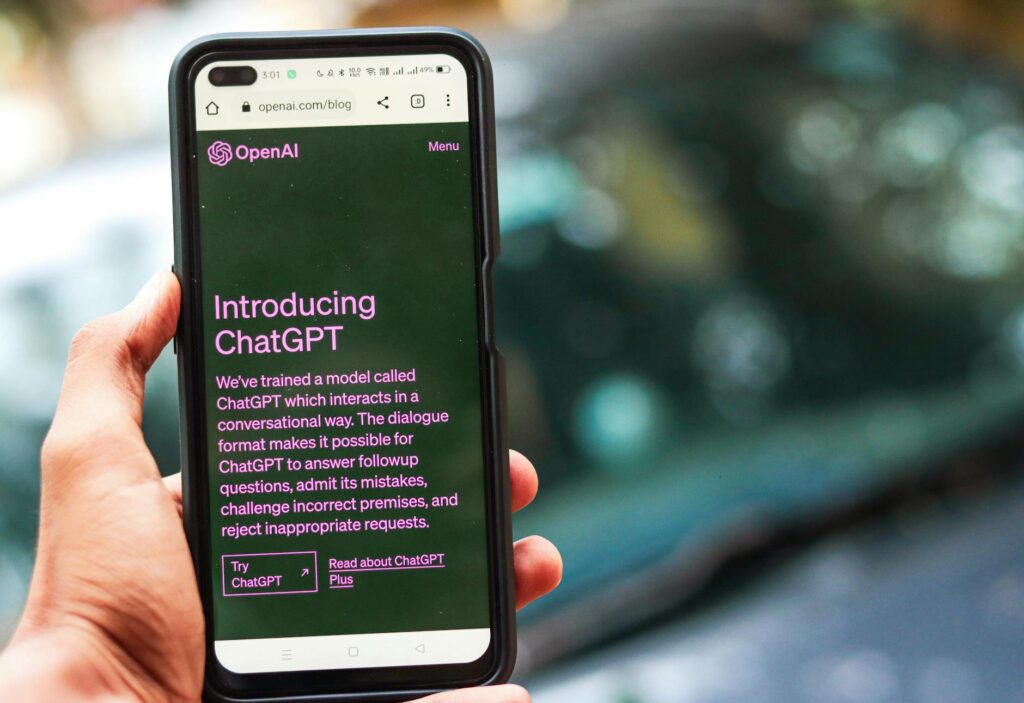
Not all AI tools are built the same, and matching the right tool to the right task matters a lot here. For generating the actual conversation text, large language models like ChatGPT, Claude, or Gemini are your best starting point. They’re excellent at producing natural, contextually appropriate dialogue in dozens of languages, and you can get surprisingly specific with your prompts.
For the audio side, text-to-speech platforms like ElevenLabs, Murf, or Play.ht let you convert your written dialogues into spoken audio with distinct voices for each character. This is where the language conversation AI experience really clicks into place. Hearing two different voices trade lines in your target language is far closer to real listening comprehension practice than reading from a page.
Some platforms are beginning to combine both functions. Tools like Spoke and Speechify are experimenting with multi-voice audio generation that works well for dialogue formats. If you want everything under one roof, it’s worth exploring those options, but honestly, mixing a strong LLM with a quality TTS platform gives you more control and better results right now.
Here’s a quick breakdown of what to look for:
- Language support: Make sure your target language is fully supported, not just partially
- Voice naturalness: Robotic TTS kills immersion fast
- Voice variety: You’ll want at least two distinct speakers for realistic dialogue audio AI
- Export options: MP3 or WAV files you can load into your phone or language app
- Prompt flexibility: The more specific you can get, the better your output
Writing Prompts That Generate Realistic, Useful Conversations
This is where most people go wrong. They open ChatGPT, type “write me a Spanish dialogue,” and get something generic and flat. The secret is specificity. Treat your prompt like a creative brief.
A weak prompt: “Write a French dialogue for beginners.”
A strong prompt: “Write a dialogue in French between two colleagues discussing weekend plans. One person is more formal and reserved, the other is casual and enthusiastic. Include at least three instances of common filler words like ‘ben’, ‘bah’, and ‘tu vois’. Aim for B1 level vocabulary. Keep it under 20 exchanges.”
See the difference? The second prompt gives the AI enough context to produce something that genuinely helps you practice language with AI in a way that mirrors real human speech patterns. Filler words, personality differences between speakers, and vocabulary level targeting all make the output dramatically more useful.
A few other prompt angles worth trying:
- Situational: “A job interview in German where the candidate is nervous but competent”
- Emotional: “An argument between two friends in Japanese that ends in reconciliation”
- Regional: “A conversation in Brazilian Portuguese using slang from São Paulo”
- Functional: “A phone call to cancel a doctor’s appointment in Italian, using polite but informal register”
You can also ask the AI to annotate the dialogue afterward, flagging tricky phrases, regional expressions, or grammatical structures worth noting. That turns a simple dialogue into a full mini-lesson.
Structuring Your Dialogues for Maximum Learning
Generating a raw dialogue is step one. Structuring it well is where the real learning gets locked in. A few principles to keep in mind:
Keep Exchanges Short and Realistic
Real conversations don’t include paragraph-length monologues. Each speaker’s turn should feel like something a person would actually say in one breath. If lines are getting too long, prompt the AI to break them up or add natural interruptions. Shorter exchanges also make the audio feel more dynamic when you convert it to speech.
Build In Repetition Without Making It Obvious
One thing skilled language teachers do is cycle key vocabulary and structures through a conversation multiple times without it feeling like a drill. You can instruct the AI to do the same. Ask it to use a particular phrase or grammatical structure at least three times across the dialogue, in different contexts. This is spaced repetition hiding inside a natural conversation.
Use Difficulty Laddering Across Multiple Dialogues
Don’t just create one dialogue and move on. Create a series. The same scenario, the same characters, but slightly increased complexity each time. Maybe the first dialogue is two people ordering coffee. The second is the same two people negotiating the bill at a restaurant. The third has them handling a complaint. Each step adds vocabulary load and conversational complexity while keeping the context familiar. That familiarity actually reduces cognitive friction and speeds up acquisition.
Turning Written Dialogues Into Dialogue Audio AI Content
Once you’ve got a solid script, it’s time to give it a voice. Literally. This step transforms your ai dialogue creation work from something you read into something you listen to, which is a massive upgrade for comprehension training.
Here’s a simple workflow that works well:
First, format your dialogue clearly, with speaker labels before each line (Speaker A, Speaker B, or actual names). This makes it easy to separate lines when you’re working in a TTS tool. Paste Speaker A’s lines into one voice profile and Speaker B’s lines into another. Most platforms let you assign specific voices and even adjust speed, pitch, and accent.
ElevenLabs, for example, lets you clone or select voices and adjust stability and clarity settings. For language learning, you’ll often want slightly slower speech at first, then speed it up as you improve. That flexibility makes it one of the better platforms for this kind of work.
Once you’ve generated both audio tracks, stitch them together in a free tool like Audacity or even GarageBand. Alternate the clips in order, add a half-second pause between each exchange to give your brain time to process, and export as an MP3. Now you’ve got a custom listening exercise you can put on your phone and use during your commute.
Some learners take it further and create a “listen, pause, repeat” version where each line is followed by a few seconds of silence to allow shadowing practice. That’s a technique used in professional language programs, and you can build it yourself in about 30 minutes.
Adding Context With Transcripts, Notes, and Vocabulary Layers
Audio alone is powerful, but pairing it with a well-structured transcript takes your practice language AI content to the next level. Ask the AI to produce several versions of the same dialogue:
- The full dialogue in your target language only
- A bilingual version with translations alongside each line
- A vocabulary list of the 10-15 most useful words or phrases from the conversation
- A cultural or grammatical note for any tricky structures that appear
This gives you a complete study package. Listen to the audio first, without the transcript. See how much you catch. Then read along with the bilingual version. Then study the vocab list. Then listen again without looking at anything. That four-pass approach covers listening, reading, vocabulary, and pure audio comprehension in a single session.
You can also use the AI to generate comprehension questions about the dialogue, quiz yourself, and have the AI check your answers. At that point you’ve essentially built a self-contained language lesson from scratch, tailored entirely to your goals and level.
Common Mistakes That Undermine Your Dialogues
A few pitfalls are worth flagging before you get deep into this workflow.
Skipping the native speaker check is a big one. AI-generated dialogue in less common languages (or niche dialects of major ones) can occasionally include unnatural phrasing. If you have any access to a native speaker or a tool like italki, run your dialogues by someone who can flag anything that sounds off. Even a quick sanity check saves you from internalizing awkward constructions.
Another mistake is generating too many dialogues without actually studying them. It’s weirdly satisfying to produce content, and it can create the illusion of progress. Commit to fully working through each dialogue before moving to the next one.
Finally, don’t ignore prosody. The rhythm and melody of a language matters enormously for real communication. When you’re listening to your dialogue audio AI output, pay attention to intonation patterns, not just vocabulary. If the TTS voice sounds unnatural, switch voices or adjust settings until it sounds closer to authentic speech.
Start Small and Build a Personal Dialogue Library
You don’t need to build 50 dialogues before this becomes useful. Start with two or three highly specific scenarios that match your actual life: talking to a coworker, handling a customer service call, catching up with a friend. Make those dialogues genuinely useful to you, turn them into audio, and work through them properly.
Once you see how quickly your ear adjusts and your recall improves, you’ll naturally want to build more. That’s the point where language conversation AI stops being a novelty and starts being a core part of how you study. Build your library deliberately, iterate on what works, and keep the content connected to real situations you’ll actually encounter. That’s what separates learners who plateau from ones who keep moving forward.