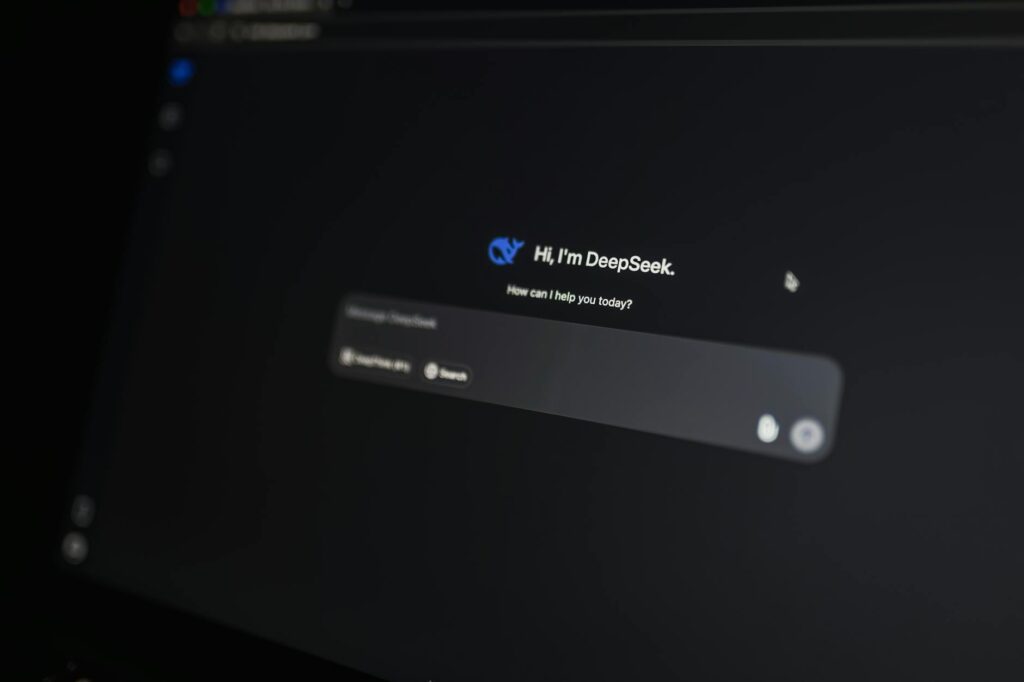
The Blank Page Problem Just Got a Lot Smaller
Every blogger knows the feeling: cursor blinking, coffee going cold, zero words on the screen. What if the hardest part of writing a blog post , getting started , could be solved in about thirty seconds?
That’s exactly what’s happened for thousands of writers, marketers, and business owners who’ve learned how to properly use AI to write a blog post. Not just punch in a prompt and paste the result (that approach usually produces generic garbage), but actually work with AI as a collaborative partner through every stage of the process. Done right, you can produce a well-structured, genuinely useful post in a fraction of the time it used to take.
This guide walks through the full workflow from choosing a topic to hitting publish, with specific techniques that separate decent AI-assisted content from the stuff readers actually bookmark and share.
Picking a Topic Worth Writing About in the First Place
Before a single word gets written, the topic has to be right. This is where a lot of people waste time arguing with AI chatbots about vague ideas instead of giving it real input to work with.
Start by telling the AI what you already know. Something like: “I run a small landscaping business in the Pacific Northwest. My readers are homeowners who care about low-maintenance yards. What blog topics would resonate with them in spring?” You’ll get targeted suggestions instead of recycled listicle ideas that could apply to anyone anywhere.
Then layer in search intent. Ask the AI to help you identify which topics people are actively searching for versus which ones just sound interesting. A good blog post ai guide will tell you to think about three buckets: informational posts (how-to, what is), comparison posts (X vs Y), and problem-solving posts (how do I fix this specific thing). Each serves a different reader at a different stage of their journey.
Once you’ve got a solid topic, ask the AI to suggest five or six angles. “10 drought-resistant plants for Seattle yards” hits differently than “how to survive your first dry Pacific Northwest summer.” Same topic, completely different reader, completely different value. Pick the angle that matches your audience best, not just the one that sounds clever to you.
Building a Skeleton Before You Write a Single Sentence
The single biggest mistake people make when they write blog with AI assistance is skipping the outline stage. They drop a topic into ChatGPT or Claude, ask for a full post, and then stare at the wall of generic text wondering why it sounds like a Wikipedia page written by someone who’s never actually done the thing.
Build the outline first. Ask your AI blogging tool to draft a structure: an intro hook, three to five main sections with descriptive subheadings, and a closing call to action. Then review that outline yourself before any body text gets written.
This review step is critical. Look for gaps, redundancies, and sections that don’t match your actual audience. If the AI suggests a section on “understanding SEO basics” but your readers are experienced marketers, cut it. If there’s no section addressing the most common objection your audience has, add it. You’re the expert on your readers. The AI is the expert on structure and language. Let each do its job.
It also helps to add your own notes to each section before drafting. Even a single sentence like “include the stat about 68% of online experiences starting with a search engine” or “mention my own experience switching from WordPress to Squarespace” gives the AI something specific to build around. Specific prompts produce specific content. Vague prompts produce filler.
Writing the Draft: Where the Real Collaboration Begins
With a solid outline and your notes in place, it’s time to generate the actual draft. Work section by section rather than asking for the whole post in one shot. This gives you much more control over tone, detail, and accuracy.
For each section, give the AI the heading, your notes, and a reminder of your target audience. “Write a 150-word section under the heading ‘Why drip irrigation beats sprinklers for busy homeowners’. My readers are suburban homeowners with no gardening background. Avoid jargon. Use a conversational tone.” That prompt will produce something usable. “Write a blog about drip irrigation” will not.
Pay attention to the intro especially. The first paragraph of any blog post determines whether someone keeps reading or bounces back to Google. If the AI produces an opener that starts with a definition, a generic question, or a sentence about how “many people wonder about X,” rewrite it or prompt for a different approach. Ask specifically for an opener that starts with a story, a surprising fact, or a direct challenge to a common assumption. Those hooks work.
For ai content creation blog workflows, most experienced users draft with AI, then rewrite roughly 20 to 30 percent of the content in their own voice. That’s not because the AI got it wrong , it’s because the final post needs to sound like you. Readers follow writers, not algorithms. Your personality, your opinions, your specific examples, those are what build an audience over time.
Adding the Details That Make a Post Actually Useful
Generic content fails not because it’s badly written but because it doesn’t contain anything the reader couldn’t have guessed themselves. The antidote is specificity, and this is where human input becomes non-negotiable.
After generating your draft, go through it and find every place the AI used vague language. Phrases like “many experts agree,” “studies have shown,” “it’s important to consider” , these are placeholders, not content. Replace them with real numbers, real sources, real examples from your own experience.
Ask the AI to help you find those specifics where you don’t have them. “What are some real statistics about how often homeowners water their lawns incorrectly?” is a useful prompt. Then verify whatever it gives you. AI tools can hallucinate sources and statistics, so a thirty-second Google check before you publish saves you from looking like someone who makes things up.
You can also use AI to generate examples and analogies you hadn’t thought of. If you’re struggling to explain a technical concept to a general audience, try: “Explain how a website’s domain authority works using an analogy a high school student would understand.” The results are often genuinely useful, and sometimes they’re better than what you would have written yourself.
Editing With AI: Faster Without Losing Your Voice
The editing phase is where AI earns its keep a second time. Most writers underuse this capability entirely.
Paste your draft and ask the AI to do a specific kind of edit , not just “make this better.” Try prompts like: “Check this post for sentences that are too long or dense and suggest shorter alternatives,” or “Flag any places where the tone shifts from conversational to formal,” or “Identify any sections where I make a claim without backing it up.” Each of those is a targeted, useful edit. “Make this sound better” is not.
You can also run a readability check. Ask the AI to estimate the reading level of your draft and flag any vocabulary that might lose a general audience. For most blogs, you’re aiming for something a motivated eighth grader could follow. That’s not dumbing it down , it’s respecting your reader’s time and attention.
One underrated trick: ask the AI to read the post as a skeptical reader and tell you the first objection they’d raise after reading each section. This surfaces gaps in your argument or missing context that you’ve become blind to because you’re too close to the material. It’s like having a smart friend read your draft at midnight and give you honest notes.
SEO, Meta Descriptions, and the Finishing Touches
Once the content is solid, use your AI blogging tool to handle the surrounding elements that make a post findable and clickable.
Ask for three to five title variations and pick the one that best balances clarity, curiosity, and the keyword you’re targeting. Good titles don’t try to be clever at the expense of being clear. “7 Plants That Basically Water Themselves” beats “Exploring Low-Maintenance Horticultural Options for the Modern Homeowner” every single time.
Have the AI draft your meta description. Give it the title, the main keyword, and two sentences about what the post covers. Ask for 150 to 160 characters, a compelling hook, and a clear indication of what the reader will get. Then tweak it yourself so it sounds like a human wrote it rather than a SEO template.
Internal linking suggestions are another quick win. Describe your other posts to the AI and ask where they’d fit naturally within the new piece. “I have a post on composting basics and one on choosing garden tools for small yards , where in this post would those links add value for the reader?” You’ll save fifteen minutes of thinking and probably get better suggestions than you’d come up with alone.
What Good AI-Assisted Writing Actually Looks Like
Here’s the honest summary of what this whole workflow produces when you do it properly: a post that reads like a thoughtful human wrote it, published in a third of the time, with better structure than most writers naturally produce without external feedback.
What it doesn’t look like is AI-generated slop that readers close after two paragraphs. The difference is always the same: human judgment applied at every stage. The ai write blog post workflow only works when you stay in the driver’s seat, making decisions about audience, angle, specificity, and voice that no AI can make for you.
If you haven’t built a consistent workflow yet, start small. Take your next post and just use AI for the outline and the editing pass. Get comfortable with that before you expand to drafting. The writers who get the most out of these tools aren’t the ones who hand everything over , they’re the ones who know exactly which parts of the process benefit from AI help and which parts still need them.
Pick one post you’ve been putting off, open your AI tool of choice, and try the outline-first approach today. You might be surprised how quickly that blinking cursor stops being the enemy.