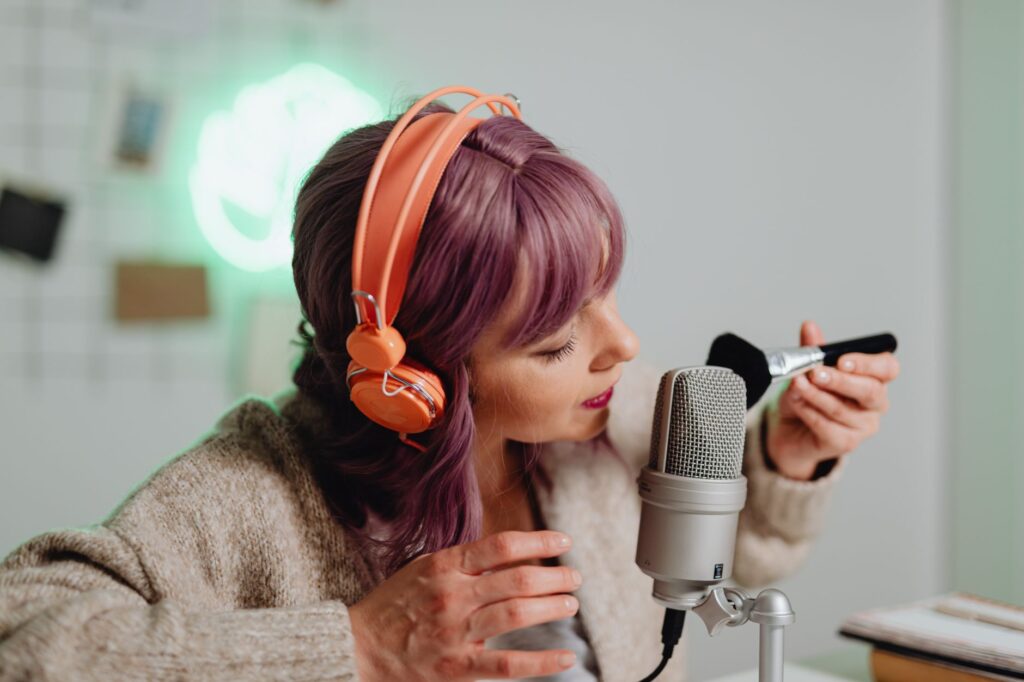
ASMR is a billion-dollar niche and most creators are still doing it the hard way. If you’ve got a decent microphone, hours to spare, and perfect recording conditions, great. But what if you don’t?
That’s where AI comes in. The tools available right now for producing ai asmr content are genuinely impressive, and a lot of creators haven’t caught on yet. That’s a window you can use.
What AI Can Actually Do for ASMR Creators
Let’s clear something up first. AI isn’t going to replace the intimacy of a skilled human ASMR artist anytime soon. What it can do is handle the parts of content creation that eat your time and budget without adding creative value.
Think about scripting, voiceover generation, layering ambient sound, editing background noise, and even generating custom trigger sounds. All of that is now within reach using tools that cost anywhere from free to about $30 a month. For independent creators, that’s a massive shift.
There are basically three ways AI fits into an ASMR workflow. You can use it to create content from scratch (fully synthetic), use it to assist and enhance recordings you make yourself, or use it to generate supplementary audio that runs alongside your main content. Each approach has its own strengths depending on what you’re going for.
Choosing the Right AI Tools for the Job
Not all AI audio tools are built the same, and using the wrong one for ASMR will produce results that sound robotic, harsh, or flat. You want tools that prioritize softness, naturalness, and tonal warmth.
For Voice and Speech Generation
ElevenLabs is the current frontrunner for realistic AI voice synthesis. You can clone a voice (including your own), adjust pacing and breathing patterns, and dial in the whispery delivery that ASMR requires. The difference between a generic TTS voice and a well-tuned ElevenLabs output is night and day. If you want to create asmr ai voiceovers that actually feel relaxing rather than clinical, this is your starting point.
PlayHT and Murf.ai are solid alternatives with slightly different voice libraries. PlayHT in particular has made big improvements to its ultra-realistic voices and offers good control over prosody, which matters a lot for ASMR pacing.
For Ambient Sound and Soundscapes
This is where asmr audio ai tools like Soundraw, Beatoven.ai, and Adobe’s Project Music GenAI Control start to shine. These platforms let you generate looping ambient tracks, adjust mood, tempo, and texture, and export clean audio files you can layer into your production.
For pure soundscape generation, tools like Stability Audio (from Stability AI) and AudioCraft by Meta are worth experimenting with. AudioCraft especially is good at generating specific textures like rain on leaves, soft crackling fire, or page-turning sounds, which are classic ASMR triggers you can now produce on demand.
For Editing and Noise Reduction
Adobe Audition with its AI-powered noise reduction, Descript’s overdub and studio sound features, and iZotope RX all use machine learning to clean up recordings in ways that used to require professional studio time. If you’re recording your own voice but your space isn’t acoustically treated, these tools can transform a mediocre recording into something clean and broadcast-ready.
How to Build a Fully AI-Generated ASMR Track
Let’s walk through an actual workflow. Say you want to produce a 20-minute ai relaxing audio piece built around a rainy library setting with soft whispering narration. Here’s how that comes together.
Step 1: Write your script. Use ChatGPT or Claude to generate a soft, slow-paced ASMR script. Prompt it specifically for ASMR. Tell it to write in second person, use gentle imagery, avoid sharp consonants where possible, and include natural pause points. A prompt like “Write a 500-word ASMR script set in a cozy library during a rainstorm, written for a soothing female narrator, with slow pacing and soft descriptive language” will get you something workable on the first try.
Step 2: Generate the voiceover. Take that script into ElevenLabs. Choose a voice that has a naturally low, warm quality. Slow the speaking rate to around 70-75% of default. Add slight pauses between sentences manually by inserting break tags in the text. Export as a high-quality WAV file, not MP3, because compression artifacts are more noticeable in ASMR content where listeners are using headphones at high volume.
Step 3: Build your soundscape. Use AudioCraft or Stability Audio to generate a rain ambience track that’s around 20-25 minutes long. You might need to generate several shorter clips and stitch them together in a DAW like GarageBand or Audacity. Add a subtle fire crackling layer underneath using the same method. Keep these at low volume. They’re texture, not the focus.
Step 4: Add trigger sounds. This is optional but powerful. Generate soft paper-rustling, quiet typing, or gentle tapping sounds using AudioCraft. Layer these sporadically throughout the track at key moments in the script. They add dimension and keep listeners engaged without overwhelming the narration.
Step 5: Mix and master. Bring everything into Audacity or GarageBand. Set your voiceover at around -12dB to -14dB, your ambient background at -24dB to -28dB, and your trigger sounds at -18dB to -20dB. Apply a gentle low-pass filter to the voice channel to soften any harsh frequencies. Export at 320kbps or higher.
Using AI to Enhance Your Own ASMR Recordings
If you already record your own content and you’re good at it, AI works even better as an enhancement layer than a replacement. You bring the human warmth and authenticity. The AI handles the technical heavy lifting.
Descript is particularly useful here. You can record yourself, clean up the audio with its Studio Sound feature (which applies AI-based acoustic treatment), remove filler sounds and unwanted noises, and even overdub sections where you stumbled without re-recording. For ASMR creators posting on YouTube, this kind of seamless correction used to require a full re-take. Now it takes about 30 seconds.
iZotope RX is the professional-grade version of this. Its spectral repair tool can remove individual unwanted sounds (a car driving past, a dog barking three seconds into your best take) with surgical precision. It’s genuinely remarkable and has saved countless hours for audio professionals. The learning curve is steeper than Descript, but for serious creators it’s worth it.
You can also use AI to generate additional content that surrounds your human recordings. Maybe you do a 10-minute personal ASMR session and then bookend it with AI-generated ambient audio to pad the total runtime, which matters for YouTube’s algorithm and watch time metrics.
Monetizing AI ASMR Content the Smart Way
YouTube is the obvious platform, but it’s not the only one. Spotify, Apple Podcasts, and especially Insight Timer (a meditation and relaxation app with over 20 million users) are all hungry for quality relaxation content. If you’re producing ai relaxing audio at scale, you can upload consistently without the burnout that kills most individual ASMR creators.
Patreon and Ko-fi work well if you build a niche around a specific ASMR style. For example, there’s real demand for ASMR content in specific languages. Japanese, Korean, Spanish, and French ASMR all have devoted audiences. With AI voice synthesis, you can produce content in multiple languages even if you don’t speak them. That’s a genuinely underexplored opportunity.
Royalty-free ASMR packs are another angle. Content creators who do YouTube videos, podcasts, and meditation apps often need background audio. If you build a library of high-quality asmr generation ai tracks and license them through platforms like Audiojungle or Pond5, you’ve got a passive income stream that runs without ongoing effort.
Avoiding the Pitfalls That Sink AI ASMR Channels
The biggest mistake creators make with AI audio is skipping the human quality control step. AI can generate technically acceptable content that still feels wrong. Pacing that’s slightly too fast, a voice that sounds almost warm but not quite, an ambient track with a jarring loop point. Listeners may not know why something feels off, but they feel it immediately.
Always listen to your final product on headphones before publishing. ASMR is almost exclusively a headphone experience. Something that sounds fine on speakers can feel brittle or unbalanced on earbuds. This check takes 10-15 minutes and it’s non-negotiable.
Also be thoughtful about disclosure. The ASMR community is generally supportive of AI-assisted content, but audiences appreciate transparency. A simple note in your description saying something like “soundscapes generated with AI tools” goes a long way toward building trust rather than eroding it.
Don’t over-automate your content calendar. Posting 30 AI-generated tracks in a week looks spammy to both algorithms and real humans. A consistent schedule of three to four quality uploads per week tends to outperform quantity dumps across every platform that matters.
Start Small, Then Scale
You don’t need to build the full workflow on day one. Start with one tool, probably ElevenLabs for voice or AudioCraft for ambience, and produce a single test track. Listen to it critically. Tweak the parameters. Produce another. You’ll learn more in those two sessions than you would from reading ten more guides.
The creators who are going to win in the ASMR space over the next few years are the ones combining genuine creative vision with smart use of tools like these. The tools are accessible, the audience is massive (ASMR pulls over 4 billion YouTube views annually), and the barrier to entry just dropped significantly. Pick one workflow from this article, set aside two hours this weekend, and make your first AI-assisted ASMR track. You might surprise yourself with what comes out.


