You Don’t Need a Studio to Sound Like a Pro Anymore
Podcasting used to require a real studio, a sound engineer, and hours of editing just to get a single episode out the door. Not anymore. AI has completely rewritten the rules, and creators who figure this out early are going to have a serious edge.
Whether you’re a solo creator with a microphone and a laptop, a marketer trying to repurpose blog content, or a business owner who wants to build an audience without hiring a full production team, ai podcast creation has become genuinely accessible. We’re not talking about robot voices reading scripts awkwardly. The tools available right now are sophisticated enough that listeners often can’t tell the difference between AI-assisted content and a traditionally produced show.
This guide walks you through the whole process, from concept to published episode, using AI tools at every major step.
Start With a Solid Concept (AI Can Help Here Too)
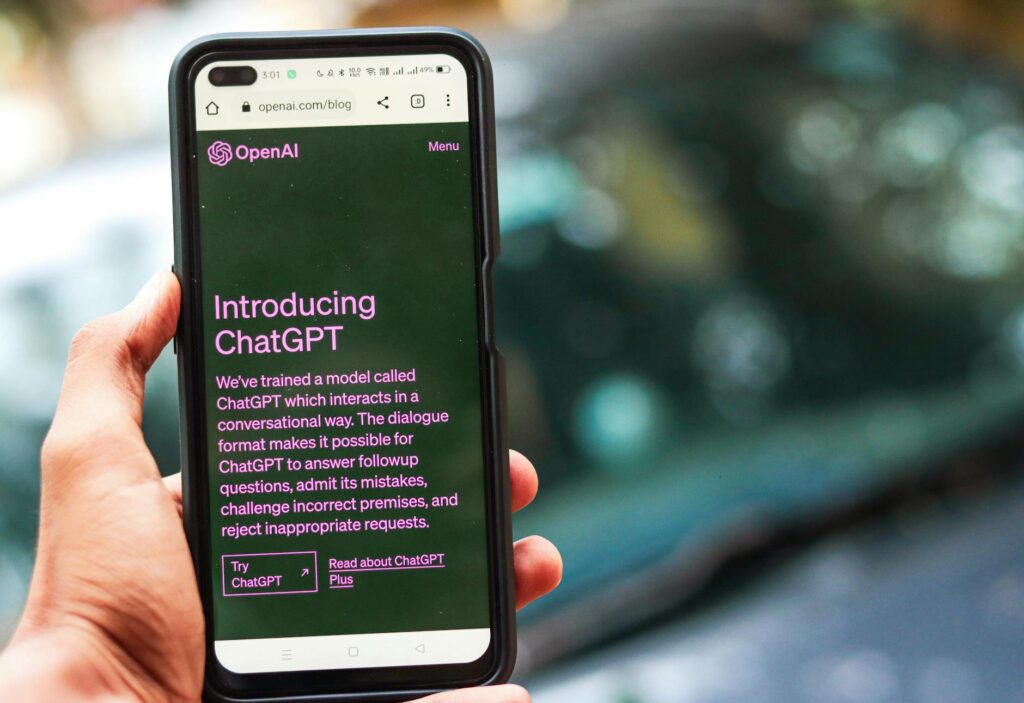
Before any recording happens, you need a clear episode concept. This sounds obvious, but a lot of creators skip this step and just start rambling. AI tools like ChatGPT, Claude, or Gemini are genuinely useful for brainstorming episode ideas based on your niche, audience, and existing content library.
Try feeding the AI a short brief about your podcast’s focus, your target listener, and any topics you’ve already covered. Ask it to generate 10 to 20 episode concepts with working titles and a short description of each. You’ll probably get a mix of great ideas, mediocre ones, and a few that spark something unexpected. That’s exactly what you want from a brainstorming session.
From there, ask the AI to help you develop a structured outline for the episode you choose. A good outline includes a hook (the first 60 to 90 seconds that make someone keep listening), three to five main talking points, any relevant stats or examples to reference, and a clear closing with a call to action. This structure gives your episode a spine so it doesn’t wander.
One underrated tip: ask the AI to play devil’s advocate on your topic. If you’re covering “why remote work is more productive,” ask it to generate the strongest counterarguments. This makes your content more nuanced and your episode more interesting to listen to.
Script Writing vs. Talking Points: Which Approach Actually Works
This is where creators split into two camps. Some people prefer a full script they can read from. Others work better with bullet points and improvise the actual words. AI can support both approaches, but the right choice depends on your style and the tone of your show.
Full scripts work well for educational content, solo commentary episodes, and anything where accuracy matters. If you create a podcast with ai tools handling your script, keep a few things in mind. First, always rewrite AI-generated scripts in your own voice before recording. Read them out loud. If a sentence sounds weird when spoken, fix it. Second, avoid overly formal language. Listeners aren’t reading your words; they’re hearing them. Contractions, casual phrasing, and even the occasional “look” or “here’s the thing” make a script sound human.
Talking points work better for interview shows, conversational formats, or creators who freeze up when reading from a page. In this case, use AI to generate a structured list of questions, key facts to reference, and transitions between segments. You fill in the gaps naturally. This approach often produces more engaging audio because it sounds genuinely spontaneous.
A hybrid method that works surprisingly well: write a full script for your intro and outro (the parts where branding and clarity matter most), then use bullet points for the body of the episode. This gives you confidence at the open and close while staying loose in the middle.
Generating Voices and Audio With AI Tools
Here’s where things get really interesting for anyone building an ai podcast episode without traditional recording setups. AI voice generation has improved dramatically in the last two years. Tools like ElevenLabs, Play.ht, and Murf.ai can produce voices that sound genuinely natural, with adjustable pacing, tone, and even emotional inflection.
For solo creators who don’t want to record their own voice, this is a legitimate option. You paste your script in, choose a voice that matches your brand, and the tool generates an audio file. Some platforms let you clone your own voice so the AI speaks in your natural sound, which is useful if you want to produce more episodes than your schedule allows for live recording.
If you do record your own voice, AI tools still add enormous value in post-production. Descript and Adobe Podcast (formerly Project Overdub) use AI to clean up audio automatically, removing background noise, fixing uneven volume, and even cutting filler words like “um” and “uh” with a single click. What used to take an editor two hours can now happen in about ten minutes.
For shows that include multiple speakers, tools like Riverside.fm record each person on a separate track and then use AI to clean and mix them automatically. The result sounds far more polished than a standard Zoom recording.
Music, Sound Design, and Intros Without Hiring Anyone
A podcast without music feels flat. But licensing music can be expensive and complicated. AI music generation tools like Soundraw, Mubert, and Loudly let you create royalty-free music tracks customized to your show’s mood and energy. You pick a genre, tempo, and length, and the AI generates something unique that you own outright.
For intros and outros specifically, you want something that’s memorable but not distracting. Keep AI-generated intros under 30 seconds. Pair the music with a short, clear verbal hook (“Welcome to [Show Name], where we cover [topic] for [audience]”). That’s it. Don’t overthink it.
Sound design is a layer most beginner podcasters ignore entirely, but it makes a real difference in perceived quality. AI tools can help you add subtle ambient sounds, transition effects, and scene-setting audio that makes your content feel more produced. Free libraries like Freesound.org combined with AI editing tools give you a lot to work with at zero cost.
Show Notes, Transcripts, and SEO Content in Minutes
One of the most underestimated benefits of AI podcast creation is what happens after the audio is done. Every episode should come with show notes, a transcript, and ideally some social content. This is time-consuming to produce manually, but AI handles it efficiently.
Tools like Otter.ai, Whisper (OpenAI’s transcription model), and Descript automatically transcribe your audio with high accuracy. From that transcript, you can paste the text into a writing AI and ask it to generate structured show notes, pull out key quotes, create a summary paragraph, and even write a blog post based on the episode content.
This repurposing strategy multiplies the value of a single episode. One 30-minute podcast becomes a transcript, a blog post, a newsletter section, five social media posts, and a YouTube description. If you’re running any kind of content marketing operation, this is one of the biggest efficiency gains available right now.
For SEO specifically, ask your AI writing tool to optimize show notes with naturally placed keywords related to your episode topic. Most podcast hosting platforms index show notes, and Google increasingly surfaces podcast content in search results. Don’t skip this step.
Editing and Quality Control: What AI Can and Can’t Do
Let’s be honest about the limitations. AI is excellent at removing noise, cleaning up audio, and fixing technical problems. It’s less reliable at making editorial judgment calls. If you ramble for four minutes on a tangent that kills the flow of your episode, an AI won’t flag that as a problem. You still need human ears for that.
Build a simple quality control checklist for every episode. Listen back to the finished audio and check for pacing (does it drag anywhere?), clarity (are the main points clear?), and energy (does your voice sound engaged or tired?). These are things you can feel as a listener that no AI tool currently catches reliably.
That said, Descript’s “Studio Sound” feature and similar AI enhancement tools can take a mediocre home recording and make it sound surprisingly close to professional. The gap between home recording and studio quality has never been smaller. A decent USB microphone like the Blue Yeti or Audio-Technica AT2020, combined with good AI post-processing, will satisfy most listeners completely.
Publishing and Growing Your Show With AI Assistance
Getting your episode from finished audio file to published episode on Spotify and Apple Podcasts involves a few more steps where AI helps. Podcast hosting platforms like Buzzsprout, Podbean, and Transistor.fm have started integrating AI features that auto-generate chapter markers, episode summaries, and even suggested titles based on your content.
For growth, AI tools can analyze your episode performance data and suggest patterns. Which topics drove the most downloads? Which episode lengths have the best completion rates? Where do listeners drop off? Tools like Chartable and Spotify for Podcasters provide this data, and feeding it into an AI analysis tool gives you actionable direction for future episodes.
The complete ai podcast guide isn’t just about production tools. It’s about building a system you can repeat. Once you’ve mapped out your workflow, from ideation to publishing, you can produce a quality episode in a fraction of the time it used to take. Some creators report getting that time down to two to three hours per episode for a fully produced, polished 30-minute show.
If you’ve been putting off starting a podcast because it felt too technical or too time-consuming, that excuse doesn’t really hold up anymore. Pick one episode concept this week, use a free AI tool to build your outline and script, and get it recorded. The tools are there. The barrier is lower than it’s ever been. All that’s left is actually starting.