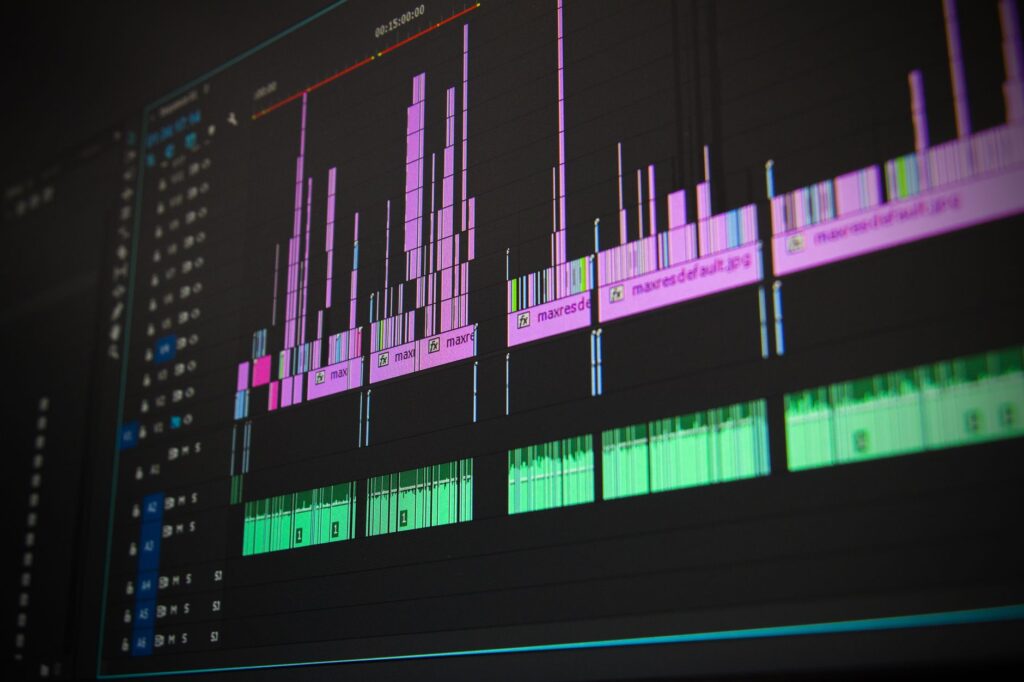
Your Video Sounds Flat. Here’s How AI Can Fix That Fast
Bad audio kills good video. Viewers will tolerate average visuals, but tinny, lifeless, or missing sound effects will make them click away in seconds. The good news? You don’t need a studio, a Foley artist, or a $500 sound library subscription to fix it. AI sound effects tools have gotten genuinely good, and a lot of creators are sleeping on them.
Whether you’re editing YouTube videos, short-form content, indie films, or social media ads, sound design ai tools can now generate custom audio that would have taken hours to find or record manually. We’re talking realistic footsteps, ambient environments, cinematic impacts, UI clicks, creature sounds, and pretty much anything else you can describe in plain text. Let’s break down how to actually use these tools, not just what they are.
What AI Sound Effects Tools Can Actually Do Right Now
It’s easy to write off AI audio as a gimmick, but the current generation of tools is legitimately useful. Platforms like ElevenLabs Sound Effects, Adobe Firefly Audio, Soundraw, and Meta’s AudioCraft can generate realistic, usable audio from a text prompt. You type something like “wooden door creaking in a haunted house” or “spaceship engine powering down” and get a rendered audio file in a few seconds.
The quality varies depending on the tool and the complexity of what you’re asking for, but for most practical video production needs, the output is solid. Simple environmental sounds, mechanical noises, and abstract textures tend to come out especially well. Highly specific realistic sounds, like a particular species of bird or a very precise mechanical click, can be hit or miss depending on the platform.
AI sfx creation also lets you generate layered or blended sounds that don’t exist in any stock library. Try finding a “neon-lit Tokyo street corner at 2am during a light rain” in a standard sound pack. You won’t. But an AI audio tool can build something remarkably close from that single description. That’s genuinely powerful for creators who want something unique rather than recycled sounds everyone else is using.
The Best Tools for AI Audio Design (And What Each One is Good For)
Not every tool fits every workflow. Here’s a quick breakdown of the main players worth your time.
ElevenLabs Sound Effects
ElevenLabs jumped into the ai audio design space and their sound effects generator is probably the most accessible starting point for beginners. The interface is clean, the prompts are straightforward, and the output quality is consistently decent. It handles ambient, mechanical, and cinematic sounds well. Free tier gives you a limited number of generations per month, which is enough to test it properly.
Adobe Firefly Audio (Formerly Project Sound Lift)
If you’re already in the Adobe ecosystem, this is worth watching closely. Adobe’s approach integrates AI sound generation directly into Premiere Pro workflows, which means less app-switching and faster iteration. It’s still rolling out fully, but the direction is clearly toward making ai sfx creation a native part of video editing rather than a separate step.
Meta AudioCraft (MusicGen and AudioGen)
Meta released AudioCraft as an open-source framework, which means developers and technically comfortable users can run it locally or through various hosted interfaces. AudioGen handles environmental and effect sounds while MusicGen handles music. The open-source nature means it’s free, but you’ll need some technical comfort to get the most out of it.
Soundful and Soundraw
These lean more toward music generation, but both have capabilities that bleed into texture and ambient sound territory. Useful if your project needs background audio beds rather than discrete punctual sound effects.
Freesound + AI Upscaling
Worth mentioning: some creators take free sounds from Freesound.org and run them through AI audio enhancement tools to clean them up, change their character, or blend them. It’s a hybrid approach, not pure AI generation, but it works well in practice.
How to Write Prompts That Actually Get Good Results
Here’s where most people go wrong. They type “explosion” and wonder why the result sounds generic. Prompt quality matters enormously in AI sfx creation, just like it does in image generation. The more specific and descriptive your prompt, the better the output.
Think in layers. A sound effect has a character, an environment, and a texture. Instead of “rain,” try “heavy rain hitting a metal roof with occasional thunder in the distance.” Instead of “crowd noise,” try “medium-sized indoor sports arena crowd cheering and then quieting down.” You’re painting a picture with words and giving the model enough context to fill in the details realistically.
Here are a few prompt structures that consistently perform well:
- Material + action + environment: “Glass shattering on a tile floor in a quiet kitchen”
- Emotional tone + sound type: “Tense, low-frequency hum building slowly, like a machine warming up”
- Perspective-based prompts: “Footsteps on gravel from a distance, gradually getting closer”
- Genre-specific language: “Retro 8-bit coin pickup sound, arcade-style, short and punchy”
Also, don’t be afraid to generate five or six variations and pick the best one. Most tools let you iterate quickly, and the second or third generation of a prompt often improves on the first once the model “gets” what you’re going for.
Fitting AI-Generated Sounds Into Your Video Editing Workflow
Generating a sound is step one. Fitting it properly into your video is where the real craft comes in, and this is something a lot of beginner video editors skip. Even perfect audio sounds bad if it’s not placed, trimmed, and mixed correctly.
Start with sync. If you’re adding a door slam to a visual cut, the sound should hit within 1-2 frames of the visual action, sometimes slightly before for impact sounds, because human perception expects the audio to lead slightly. This is standard Foley mixing practice and it applies equally to AI-generated sounds.
Volume layering matters too. Your AI-generated effects shouldn’t compete with your music bed or voiceover. A typical mixing hierarchy in video looks something like this: dialogue sits loudest, then music sits under that, then sound effects fill in around both. Ambience and room tone go lowest. If your ai sound effects feel intrusive or thin, it’s usually a mixing problem, not a generation quality problem.
Equalization helps integrate sounds naturally. A sound generated by an AI might feel slightly “floaty” or disconnected from the scene. A gentle low-end boost and a slight high-frequency roll-off often makes it feel more grounded and real. Free tools like Audacity or your NLE’s built-in EQ can handle this in under a minute.
Reverb is your friend. Adding a small amount of room reverb that matches your visual environment helps AI-generated sounds sit inside the scene rather than feeling pasted on top of it. If your video takes place in a large warehouse, a longer reverb tail on your sound effects makes the space feel real. A tight, close-up interview scene? Use a very short, dry reverb or none at all.
Common Mistakes Creators Make When Using Create Sound Effects AI Tools
A few patterns come up again and again when people first start experimenting with this stuff.
Using AI SFX as a Complete Replacement for Sound Design Thinking
The tool generates the raw material. You still have to think about what sounds the scene needs and why. Dropping random AI sounds into a video without intentional placement just creates noise, not atmosphere. Sound design ai is a production tool, not a substitute for knowing what story you’re trying to tell with audio.
Skipping Format Conversion
Most AI tools export in WAV or MP3. Make sure you’re working with uncompressed WAV files during editing and only converting to compressed formats at the export stage. Re-compressing an already-compressed MP3 introduces audio artifacts that can make your final mix sound muddy.
Ignoring Licensing
Most major AI sound generation tools give you full commercial rights to the audio you generate, but read the terms for whatever platform you’re using before you monetize content. Some free tiers have restrictions. This is easy to overlook and worth 10 minutes of your time upfront.
Over-Generating and Under-Editing
It’s tempting to generate 30 sounds and throw them all in. Resist that impulse. A well-chosen, well-placed single sound effect beats five mediocre ones stacked on top of each other. Less is almost always more in audio design.
Where AI Sound Design is Heading (And Why You Should Get Ahead of It)
The trajectory here is pretty clear. AI audio tools are getting more precise, faster, and more integrated into the standard video production pipeline. Adobe’s move to embed AI audio generation inside Premiere is a sign of where this goes: eventually, generating a custom sound effect will be as quick as searching a stock library, but with results that actually match your scene perfectly.
Roughly 65% of independent video creators report spending more than 2 hours per project sourcing and editing audio. That number will drop significantly as these tools mature and become easier to use. Creators who learn the workflow now will have a real advantage in speed and output quality over those who wait until it’s mainstream.
The skill set that matters isn’t knowing how to use any one specific tool. It’s understanding sound design fundamentals well enough to direct the AI effectively, evaluate what it produces, and place it correctly in context. That combination of creative judgment and AI tool fluency is where the real value is.
Start with ElevenLabs or AudioCraft, spend an afternoon experimenting with different prompt styles, and bring a few AI-generated sounds into your next video project. You’ll immediately hear the difference, and more importantly, so will your viewers.


