You Don’t Need a Studio Budget to Sound Like You Do
A catchy jingle can make or break a brand, and until recently, creating one meant hiring composers, session musicians, and a recording studio. Not anymore. AI audio tools have completely changed that equation, and even solo creators, small businesses, and complete beginners are now producing professional-sounding audio branding in under an hour.
This isn’t about cutting corners. It’s about having access to tools that genuinely work. Let’s get into how you actually use them.
Why Audio Branding Matters More Than People Realize
Think about the Intel bong. The McDonald’s “ba da ba ba baaa.” The Netflix ta-dum. These aren’t accidents. They’re carefully engineered audio triggers that create instant brand recognition. Research from the audio branding agency PHMG found that on-hold music and branded audio increased caller retention by up to 40%. That’s not a small number.
The thing is, audio branding isn’t just for multinational corporations. A local real estate agent, a Shopify store, a podcast, a YouTube channel , they all benefit from a consistent sonic identity. A well-placed ai brand jingle in your intro, your ads, or your social content plants a flag in your audience’s memory. The problem has always been cost and access. AI fixes both.
Short audio clips, specifically, are often underestimated. A 3-second logo sound. A 10-second ad bumper. A looping background track for a product video. These small pieces of audio do a lot of heavy lifting, and they’re exactly the kind of thing AI tools are built to produce efficiently.
The Main AI Tools You Should Know About
There are several platforms worth knowing, and each has a slightly different approach. Here’s a practical breakdown:
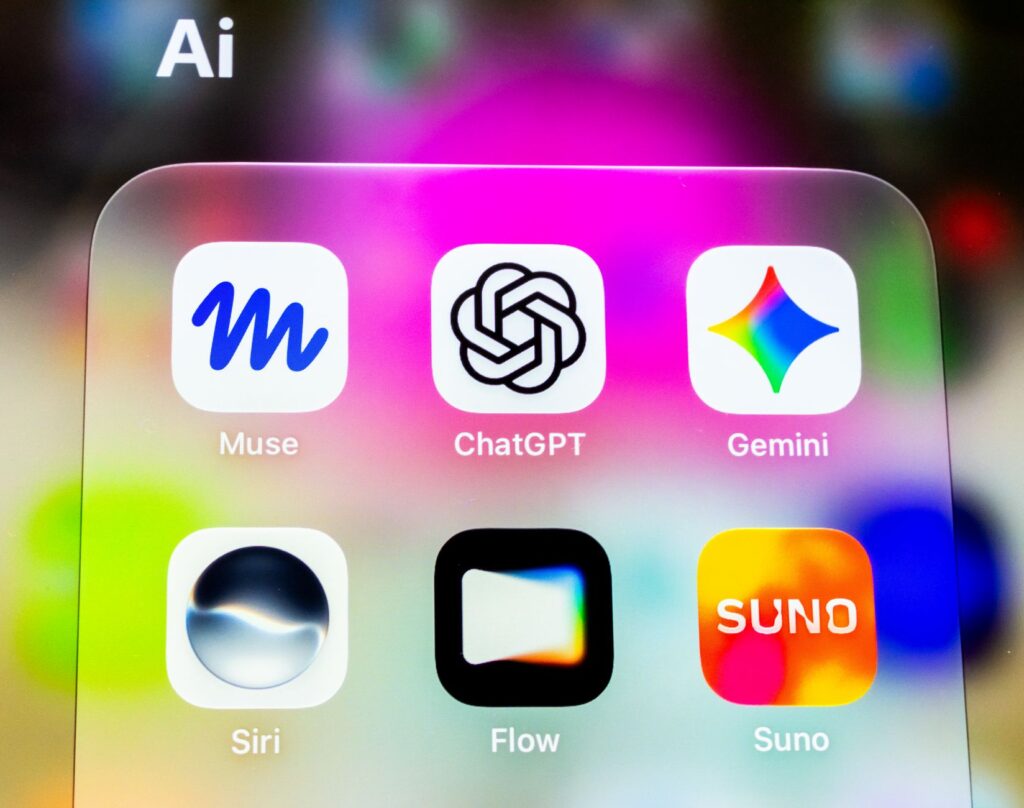
- Suno AI: Probably the most talked-about right now. You give it a text prompt and it generates a full song, vocals included. It’s great for creating ai jingles with lyrics, especially for ads or social media content. The quality is surprisingly good, though outputs can be inconsistent.
- Udio: Similar to Suno, but often praised for better musical coherence. It handles genre-specific requests well, so if you need a 1960s-style jingle or a modern pop bumper, it tends to follow those directions more faithfully.
- Mubert: Focused on royalty-free background music. You set mood, genre, and duration, and it generates tracks on the fly. It’s especially useful for short audio clips ai workflows where you need background music fast without worrying about licensing.
- Boomy: Beginner-friendly, quick, and designed for people who want something usable in minutes. You won’t get the deepest creative control, but for fast audio branding ai projects, it delivers.
- Soundraw: Lets you generate music and then actually edit the structure, instruments, and mood within the platform. It’s a great middle ground between pure generation and manual control.
None of these tools require any musical knowledge. That’s the point. You describe what you want and the AI figures out the rest.
How to Write a Prompt That Gets You What You Actually Want
This is where most people go wrong. They type something like “make a jingle for my business” and then wonder why the output sounds generic. Good prompts get good results. Specific prompts get great results.
Here’s a framework that works. Think in four layers:
- Mood or emotion: Upbeat, nostalgic, urgent, calm, playful, corporate.
- Genre or style: Pop, jazz, country, electronic, orchestral, 80s synth pop.
- Duration: 15 seconds, 30 seconds, 60 seconds , be specific.
- Purpose or context: TV ad, YouTube intro, podcast outro, phone hold music.
Compare these two prompts. “Make a jingle for a coffee shop” versus “Create a 20-second upbeat acoustic jingle for a cozy neighborhood coffee shop, warm and welcoming, like a Sunday morning in autumn.” The second one gives the AI a real picture to work from. You’ll notice the difference immediately in the output.
If you want to create jingle ai content that includes vocals or a brand name, include those details too. Some tools like Suno let you specify lyrical content directly. Try something like: “Include the line ‘Fresh brewed, every time’ in the chorus” and see what comes back.
Building a Full Jingle Step by Step
Let’s walk through an actual workflow. Say you’re creating audio branding for a small fitness app. Here’s how you’d approach it from scratch.
Step 1: Define Your Sound Identity First
Before you open any tool, answer three questions. What’s the mood your brand should communicate? Who’s your audience? What other brands do you sound similar to, or deliberately different from? For a fitness app, you might land on: energetic, motivating, modern, targeted at people aged 25 to 40, and closer to a premium feel than a budget app. That’s your brief.
Step 2: Generate Multiple Variations
Don’t settle for the first output. Generate 5 to 10 variations using slightly different prompts. Change the genre from electronic to indie pop. Adjust the tempo. Try with and without vocals. Treat it like a brainstorming session. Tools like Suno and Udio make this fast, so there’s no reason to commit to the first thing that comes out.
Step 3: Pick Your Base and Refine It
Listen back to your variations and pick the one that feels closest to right. From there, you can use the regeneration or edit features in platforms like Soundraw to tweak the structure, or bring the audio into a free editor like GarageBand or Audacity to trim, layer, or adjust volume levels.
Step 4: Create Variations for Different Use Cases
A 30-second version for YouTube pre-roll. A 5-second logo sting for video intros. A looping 2-minute version for background use. You can often generate these from the same base prompt with duration changes, which keeps everything sounding cohesive. This is how you build a proper audio branding ai system rather than just a single track.
Step 5: Check Licensing Before You Publish
This matters. Different platforms have different rules. Suno and Udio outputs, depending on your subscription tier, may have commercial licensing attached. Mubert is specifically built for royalty-free commercial use. Always read the terms for the platform you’re using, especially if you’re creating content for clients or monetized channels. What you can use for personal projects isn’t always what you can use in paid advertising.
Getting Better Results With Iteration and Layering
One thing experienced users do that beginners don’t: they iterate. They generate, evaluate, adjust the prompt, regenerate, and repeat. The first output from any AI tool is a draft, not a finished product. Treat it that way.
Layering is another underused technique. Generate a simple melody using one tool, then generate an ambient background pad using another, and combine them in a free audio editor. This gives you more control and often produces a more polished result than relying on a single platform to do everything.
You can also combine AI-generated music with AI voiceover tools. Platforms like ElevenLabs or Murf let you create a professional-sounding voiceover, and when you mix that with a short audio clip from Suno or Soundraw, you’ve got a complete ad spot without ever recording anything yourself. That’s a genuinely powerful combination for small businesses and content creators.
Common Mistakes That Produce Bad Jingles
A few patterns come up again and again when people aren’t happy with their results.
- Vague prompts: The number one issue. Be specific about mood, tempo, length, and style.
- Stopping at one output: Generate more. The third or fourth variation is almost always better than the first.
- Ignoring the edit step: Raw AI output often needs trimming or volume adjustments. Spend 10 minutes in an editor before you publish anything.
- Choosing complexity over catchiness: A good jingle is simple. It doesn’t need to be musically impressive. It needs to be memorable. If you can’t hum it after two listens, it’s not doing its job.
- Skipping the brief: Jumping straight into a tool without deciding what you actually want first is a fast way to waste an afternoon. Five minutes of planning saves you hours.
Who’s Already Using This (and What You Can Learn From Them)
Podcasters are using AI-generated music for intros and outros instead of paying for licensed tracks. Etsy sellers are adding short audio clips to their product videos to increase engagement. Digital marketers are producing short audio clips ai workflows to create unique bumper ads for every campaign they run rather than reusing the same tired stock music. Freelancers are offering “audio branding packages” as a service and using these exact tools to deliver them profitably.
The common thread is that none of these people are musicians. They’re business owners, creators, and marketers who recognized that audio is part of the full brand experience and found a way to access it without a big budget.
Start Small, But Start Now
You don’t need to build an entire sonic identity in one afternoon. Start with something small. Create a 10-second intro for your next YouTube video or podcast episode. Try one tool, generate a few variations, and pick the best one. Get comfortable with the process before you scale it up.
If you want a solid starting point, open a free account on either Suno or Udio, write a detailed prompt using the four-layer framework above, and generate at least five variations. You’ll have something usable within 20 minutes. From there, you’re not just experimenting with AI audio. You’re building a real audio brand, one short clip at a time.


