Your Voice Is Holding You Back (And You Probably Don’t Know It)
Most people have no idea what they actually sound like when they speak. You hear yourself through bone conduction, everyone else hears you through air, and those two versions of your voice are genuinely different. That gap between how you think you sound and how you actually come across is exactly where AI can step in and do something remarkable.
Using AI to improve speaking isn’t some futuristic concept reserved for tech companies and elite consultants. These tools are available right now, they’re often free or cheap, and they can give you feedback in minutes that a human coach might take weeks to deliver. Whether you’re prepping for a job interview, a sales pitch, a TED-style talk, or just trying to stop saying “um” every other sentence, there’s an AI tool built for that exact problem.
Let’s break down how this actually works in practice.
What AI Can Actually Analyze About Your Voice
Before you dive in, it helps to understand what these tools are listening for. AI speech improvement platforms don’t just transcribe what you say. They analyze layers of vocal data that most of us never think about consciously.
- Pace: Are you speaking at roughly 130 to 150 words per minute, which is the sweet spot for comprehension, or are you rushing at 200+ WPM when you’re nervous?
- Filler words: “Um,” “uh,” “like,” “you know,” “basically” , AI catches every single one and gives you a count.
- Pitch variation: A flat monotone voice loses audiences fast. AI tools can show you exactly where your pitch is dropping off.
- Energy and emphasis: Where are you stressing words? Are you emphasizing the right ideas?
- Pauses: Strategic silence is powerful. Most nervous speakers fill every gap. AI can show you where to breathe.
- Clarity and articulation: Are you dropping consonants, mumbling through certain words, or rushing endings?
Seeing this data visualized after a practice run is genuinely eye-opening. It’s one thing to have a friend tell you that you say “like” a lot. It’s another to see a transcript where “like” appears 34 times in a four-minute speech.
The Best AI Tools for Speaking Practice Right Now
Not all tools are built the same, and picking the right one depends on what you’re trying to fix. Here’s a practical breakdown of what’s worth your time.
Speeko and Orai: Built Specifically for Speaking Practice
Speeko is a speaking practice AI app that works almost like a gym membership for your voice. It gives you daily speaking exercises, records your responses, and analyzes things like pace and filler words over time. It’s structured for people who want consistent, habit-based improvement rather than one-off feedback.
Orai is probably the most well-known AI speech improvement app in this space. You speak into it, it records, transcribes, and then scores your delivery across several dimensions. The filler word detection is excellent, and it gives you a visual pace graph that shows exactly where you slowed down or sped up. It’s especially good for anyone practicing a specific script or presentation repeatedly.
Yoodli: Real-Time Coaching During Live Calls
Yoodli takes a different approach. It works as a presentation AI coach that sits in the background during Zoom calls, in-person practice sessions, or recorded videos. After your session, it generates a detailed report on your speech patterns, eye contact (if on video), and filler word frequency. It even integrates with Google Meet and Zoom natively, which makes it genuinely useful for people who do a lot of virtual presenting.
The real-time nudges feature is worth mentioning. It can give you subtle, in-ear cues while you’re speaking, reminding you to slow down or pause. That’s about as close to having a live voice coaching AI in your ear as it gets right now.
ChatGPT and Claude for Script and Structure Feedback
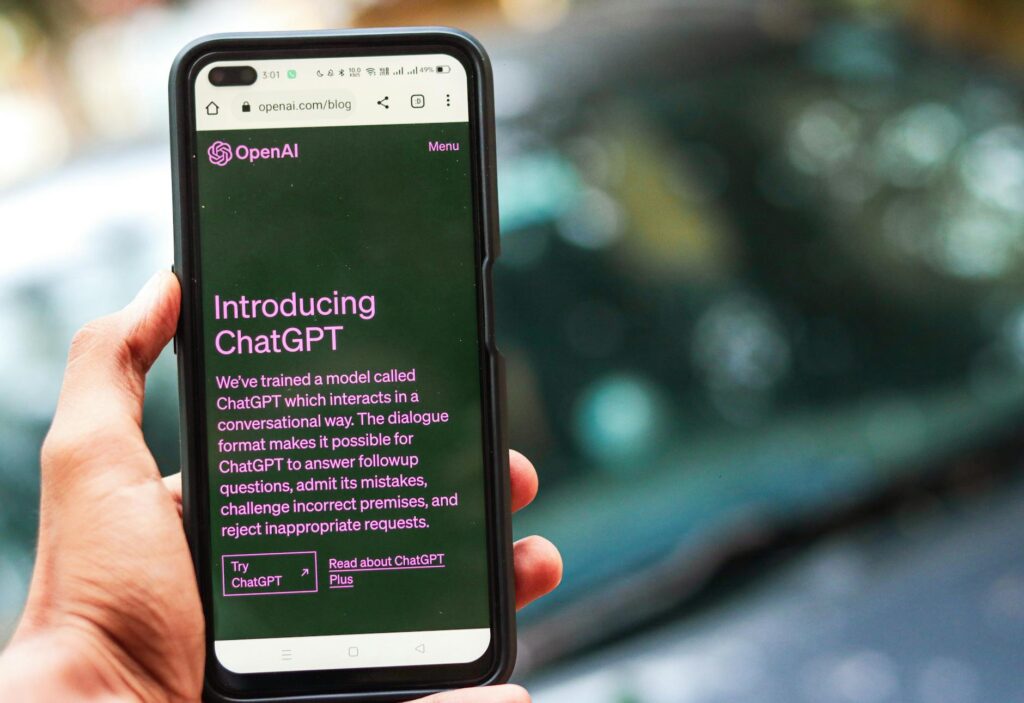
These aren’t voice tools, but don’t overlook them. Paste your presentation script into ChatGPT or Claude and ask it to review the structure, flag unclear sections, suggest stronger transitions, or simplify jargon. You can even ask it to identify where your audience might lose interest and why. Combining this kind of structural AI feedback with vocal practice tools creates a genuinely comprehensive prep process.
How to Structure an AI-Powered Practice Session
Having access to these tools is only half the battle. The way you practice matters just as much as what you practice with. A random 20-minute ramble into Orai isn’t going to move the needle much. Here’s a smarter approach.
Step 1: Record a Baseline Without Preparing
Before you do any deliberate prep, record yourself giving the speech or presentation cold. Don’t overthink it. Just talk. This baseline recording is incredibly valuable because it shows your natural default patterns. It’s often more uncomfortable to watch than a polished run, which is exactly the point.
Step 2: Get the Data First, Then Watch
Upload or run your baseline through whichever AI speech improvement tool you’re using. Look at the numbers before you watch the video back. That way you’re not distracted by how you look or whether your hair was doing something weird. Focus on the data: pace, fillers, pitch range, pause distribution. Write down your top three issues.
Step 3: Isolate One Problem Per Session
Trying to fix everything at once is a guaranteed path to frustration. Pick one thing. If you’re speaking at 180 words per minute, spend the next session focused entirely on slowing down. Record, analyze, record again. The AI will show you if the number is improving. This deliberate, isolated practice is how real change happens, and it’s something speaking practice AI tools are built to support.
Step 4: Practice in Small Chunks, Not Full Run-Throughs
Running the full presentation end to end every time is inefficient. Break it into sections. Practice just the opening three minutes. Then just the moment after Q&A begins. Then the closing. AI tools work great for section-level analysis because you can pinpoint exactly which part of your presentation is weakest and drill it specifically.
Step 5: Do a Final Full Run With Live Feedback
Once you’ve drilled the sections, do a complete run with Yoodli or a similar real-time tool active. Treat it like the real thing. This dress rehearsal with AI watching gives you data on your full performance arc, and it’s often where you’ll catch things like energy dipping in the middle or rushing the conclusion.
Fixing the Most Common Speaking Problems with AI
Let’s get specific about some of the most common issues and how AI tools help you address them.
Too Many Filler Words
Filler words are almost always a symptom of discomfort with silence. The fix isn’t just “stop saying um” , it’s learning to pause instead. After your AI tool flags your filler frequency, practice by deliberately pausing every time you feel the urge to fill. Record it. The silence feels longer than it is to you. AI transcription will show you that your audience barely noticed.
Speaking Too Fast
Nerves speed you up. It’s almost universal. Voice coaching AI tools that show pace graphs are great for this because you can see exactly when you accelerated. Typically it’s during transitions or technical explanations. Once you know your trigger moments, you can place deliberate pause reminders in your notes at those spots.
Monotone Delivery
Pitch analysis tools can show you a visual map of where your voice is staying flat. The fix is exaggeration in practice. Go way over the top with emphasis during your practice sessions. It’ll feel absurd. But when you dial it back for the real thing, you’ll land somewhere that actually sounds animated rather than robotic.
Weak Openings
This is where the script-based AI tools shine. Paste just your opening 60 seconds into ChatGPT and ask: “Does this opening earn attention? Where might someone tune out?” You’ll often get surprisingly sharp feedback that reshapes how you start, which is the most critical moment of any talk.
Building a Long-Term Voice Improvement Habit
Short-term prep for a specific presentation is valuable. But the people who make real progress treat speaking as a ongoing skill, not a one-time fix. Apps like Speeko are designed for this, with daily micro-exercises that take five to ten minutes and build cumulative improvement over weeks and months.
Think of it like going to the gym. One session makes you slightly more tired. A hundred sessions changes your body. The same logic applies to your voice. Consistent, low-pressure practice with AI feedback compounds in ways that weekend crash courses simply don’t.
Some people also keep a speaking journal alongside their AI practice. After each session, they write two or three sentences about what felt different, what the data showed, and what to focus on next time. It sounds simple but it accelerates the learning loop significantly.
The honest truth is that most people avoid working on their speaking because feedback has historically been uncomfortable to get. You had to hire a coach, stand in front of colleagues, or suffer through watching an old video of yourself with no actionable guidance. AI changes that completely. You can practice privately, get objective data instantly, and iterate as many times as you want without anyone watching. That removes the biggest barrier most people have. So pick one tool, record your baseline today, and find out what you’re actually working with. The gap between how you think you sound and how you actually sound is closeable, and now you’ve got the tools to close it.