Why AI is Changing the Game for Wellness Content Creators
You don’t need a recording studio, a professional voiceover artist, or a camera crew to build a thriving meditation channel anymore. AI tools have made it genuinely possible for a solo creator to produce high-quality relaxation content that rivals what you’d find on major streaming platforms.
The wellness video space is booming. YouTube channels dedicated to meditation, sleep sounds, and guided breathing regularly pull millions of monthly views, and the audience is hungry for more. Whether you’re a yoga teacher wanting to expand your reach, a content creator eyeing a new niche, or just someone who wants to build a calm video AI workflow for passive income, the tools available right now are remarkable. Let’s break down exactly how to use them effectively.
Mapping Out Your Meditation Video Before You Touch Any Tool
Before you open a single AI platform, you need to get clear on what kind of content you’re making. This step gets skipped constantly, and it’s why so many AI-generated meditation videos feel generic and forgettable.
Ask yourself a few key questions. Who is this video for? Someone dealing with work stress needs a different experience than someone trying to fall asleep at 2am or a person managing chronic anxiety. What’s the duration? Short five-minute videos work well for social media and midday breaks, while 30-minute to three-hour videos dominate YouTube’s sleep and study categories. What’s the visual style? Forest environments, ocean waves, abstract color gradients, and fireplace footage each appeal to different viewer psychology.
Write a one-paragraph brief before you start. Something like: “This is a 20-minute guided body scan meditation for people who struggle to sleep. The visuals will be a slow aerial drift over a moonlit forest. The voice tone should be soft and unhurried, with long pauses between instructions.” That brief will guide every AI decision you make afterward.
Choosing Your Niche Within the Niche
Relaxation content covers a huge spectrum. You’ve got guided meditations with voiceover, ambient soundscapes with no narration, sleep stories, breathing exercise tutorials, ASMR-adjacent calm content, and binaural beat videos. The most successful meditation channel AI creators tend to start narrow and expand. Picking “rain sounds with brown noise for sleep” is a stronger starting position than “meditation and relaxation” because it’s searchable, specific, and easy to optimize for.
Using AI to Write Scripts That Actually Sound Meditative
If your video includes guided narration, the script is everything. A meditation script has a very specific rhythm. It uses the second person consistently, it speaks slowly and in the present tense, and it relies on sensory language rather than abstract concepts. ChatGPT, Claude, and similar large language models can write solid meditation scripts when you give them detailed prompts.
A weak prompt: “Write me a meditation script.”
A strong prompt: “Write a 10-minute body scan meditation script for people experiencing anxiety. Use second-person narration, present tense, and sensory-rich language. Include long natural pauses indicated in brackets. The tone should be warm, non-clinical, and gentle. Avoid spiritual jargon. Start with a breathing exercise before moving down through the body from head to feet.”
The difference in output quality is enormous. Give the AI a persona to work from, specify the audience’s emotional state, and tell it exactly what structure you want. Then read the output out loud. You’ll quickly catch anything that sounds rushed or unnatural for spoken delivery, and you can prompt the AI to revise specific sections.
Adjusting Pacing and Pause Markers
One thing AI-written scripts often miss is proper pacing for audio. Ask the model to insert pause markers like [5-second pause] or [breathe in for 4 counts, hold for 4, release for 6] directly into the text. These become your production notes when you move to voiceover generation. A meditation script that reads as one continuous wall of text will produce an audio track that feels rushed and clinical. The pauses are where the listener actually does the work.
Generating Voiceovers Without a Microphone
This is where AI meditation video production really opens up. Text-to-speech technology has advanced to the point where certain AI voices are genuinely soothing and convincing. ElevenLabs is currently the industry leader for realistic voice synthesis, offering voices with natural cadence variation and the ability to clone your own voice if you’d prefer a personalized touch. Other strong options include Play.ht, Murf.ai, and WellSaid Labs.
For relaxation content, you want a voice that:
- Has a naturally lower pitch or can be adjusted downward
- Speaks with slight breathiness rather than crisp broadcast delivery
- Handles pauses naturally without clipping or rushing
- Doesn’t emphasize words in unexpected places (a common AI voice weakness)
Test several voices before committing. Most platforms offer free tiers where you can run sample scripts. Input your actual meditation script text, not a generic test sentence, because meditation language has a very different cadence than conversational speech. Listen with headphones. If a voice feels clinical or robotic during a line like “feel the weight of your body sinking into the earth,” it’s not the right choice for your relaxation content AI workflow.
Creating Visuals with AI Video and Image Generation
Here’s where things get really interesting. You’ve got several approaches depending on your budget and technical comfort level.
Using AI Image Generators to Build Visual Assets
Tools like Midjourney, DALL-E 3, and Adobe Firefly can generate stunning nature scenes, abstract visuals, and atmospheric environments that work beautifully as meditation backdrops. The key is generating images with consistent visual themes and then animating them using a secondary tool. For a forest meditation video, you’d generate 10 to 20 high-resolution forest scene images in Midjourney using a consistent prompt style, then bring them into a video editor to create slow Ken Burns-style panning effects that simulate movement.
Prompt tip for Midjourney: Include technical details like “soft focus,” “golden hour light,” “mist,” “8K resolution,” and “cinematic” to get images that feel atmospheric rather than harsh. Meditation visuals need to feel soft. Crisp, high-contrast images can actually create visual tension that works against the relaxation goal.
AI Video Generation Tools for Seamless Loops
Platforms like RunwayML, Kling AI, and Pika Labs can generate short video clips from text prompts or still images. These are perfect for creating the kind of slow, looping visuals that dominate successful calm video AI content: gently swaying trees, rippling water surfaces, drifting clouds, slowly burning candles. You can generate five to ten short clips and stitch them together in a video editor to create a seamless visual track that matches your audio duration.
Runway’s Gen-2 and the newer Gen-3 Alpha models are particularly good at generating slow, natural motion. Use prompts that specify movement style: “extremely slow camera drift,” “subtle ripple,” “gentle sway” rather than letting the model interpret motion freely. Uncontrolled motion in AI video can produce unsettling artifacts that are the opposite of relaxing.
Layering Music and Sound Design with AI
The audio bed beneath your voiceover is arguably more important than the visuals. Viewers will close their eyes. They won’t close their ears. Tools like Suno AI and Udio can generate original ambient music tracks from text prompts. You can request things like “slow 60 BPM ambient piano with soft pad underneath, no melody peaks, suitable for sleep meditation, eight minutes long.”
Alternatively, Mubert and Soundraw offer AI music generation specifically tuned for content creators, with licensing built in so you don’t run into copyright strikes on YouTube or Spotify. This matters a lot if you’re building an ai wellness video library for monetization.
Layer your audio in this order for best results: ambient music at the lowest volume, nature sounds (rain, waves, birds) at a slightly higher volume, and the voiceover sitting clearly on top without fighting for space. Most free DAWs like GarageBand or Audacity handle this layering just fine. You don’t need anything fancy.
Binaural Beats and Frequency Audio
If you want to add binaural beats (which require stereo headphones to work properly) or specific frequency tones like 432Hz or 528Hz (popular in wellness communities regardless of the scientific debate around them), tools like Brain.fm and A-Tone can generate these. Just make sure your description tells viewers to use headphones if you’re including binaural elements. Leaving that out frustrates your audience and generates comments.
Assembling Everything and Publishing for Maximum Reach
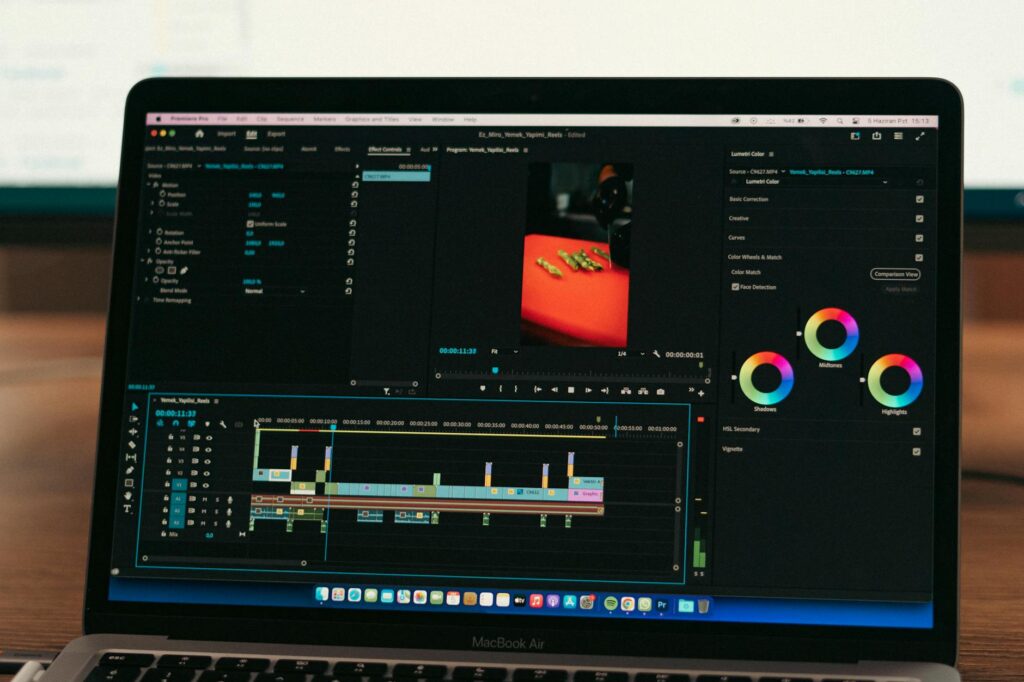
Once you’ve got your script, voiceover, visuals, and audio bed, assembly is straightforward. CapCut, DaVinci Resolve (free version), or even Canva’s video editor can handle the basic assembly. Sync your visuals to match major transitions in the script, fade audio in and out smoothly, and export at 1080p minimum. If your visuals support it, 4K gives you a significant quality edge on YouTube.
For a meditation channel AI strategy that actually grows, consistency beats perfection. Publishing one solid 20-minute video per week will outperform publishing one technically perfect video per month. Titles and thumbnails matter enormously in this niche. Use search-driven titles like “20-Minute Body Scan Meditation for Anxiety Relief” and keep thumbnails calm, dark, and atmospheric. Bright yellows and busy designs don’t convert well for relaxation content.
If you’re serious about this niche, start your first video this week using free tiers across ElevenLabs, Midjourney, and RunwayML. Produce something modest, publish it, learn from how it performs, and iterate. The creators pulling 100,000 monthly views on meditation channels didn’t build them in a month, but they did start with a single video and a clear process. Yours can start today.