Why AI Is Changing the Game for Food Content Creators
Food is the most-watched content category on YouTube, and it’s not close. Cooking channels pull hundreds of millions of views every month, yet most creators still spend 8 to 12 hours producing a single recipe video. AI is about to cut that down dramatically.
Whether you’re launching a cooking channel from scratch or trying to scale an existing one, AI video tools can handle everything from scriptwriting and voiceover to editing and thumbnail generation. The barrier to creating polished, professional food content has never been lower. What used to require a videographer, editor, and graphic designer can now be done by one person with a laptop and the right toolkit.
This guide breaks down exactly how to use AI to create cooking and recipe videos that actually perform, covering tools, workflows, and the specific techniques that separate amateur food content from content that builds a real audience.
Choosing the Right AI Tools for Your Cooking Channel
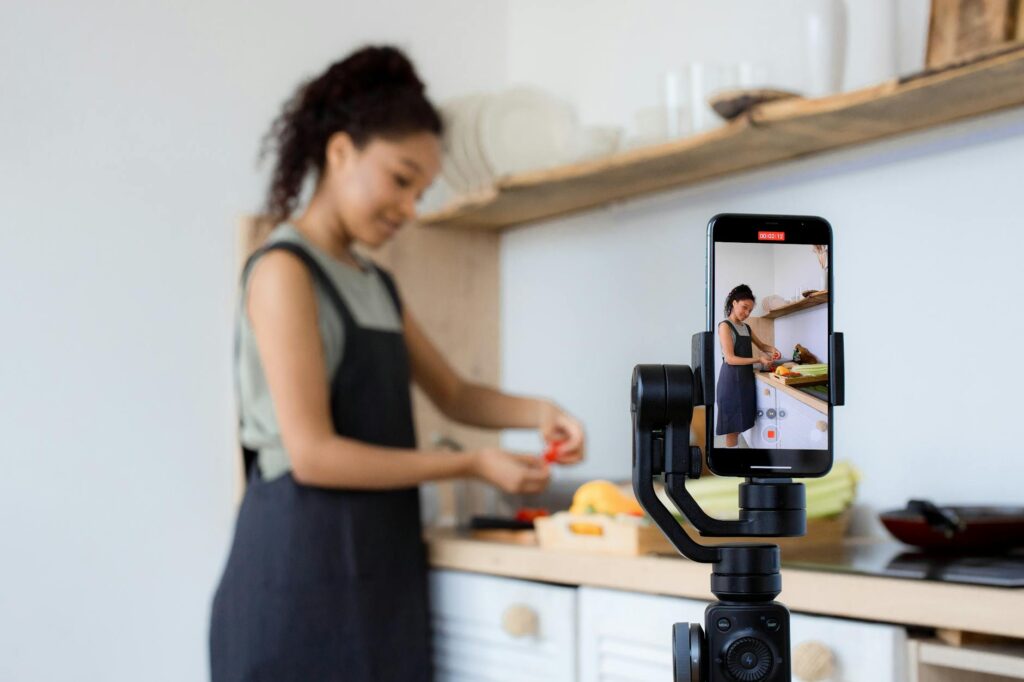
There’s no single “best” tool for ai cooking videos because the ideal stack depends on your production style. Are you filming real food in a real kitchen, or are you building a fully AI-generated cooking channel? Both are viable, and both require a slightly different approach.
For Creators Filming Real Footage
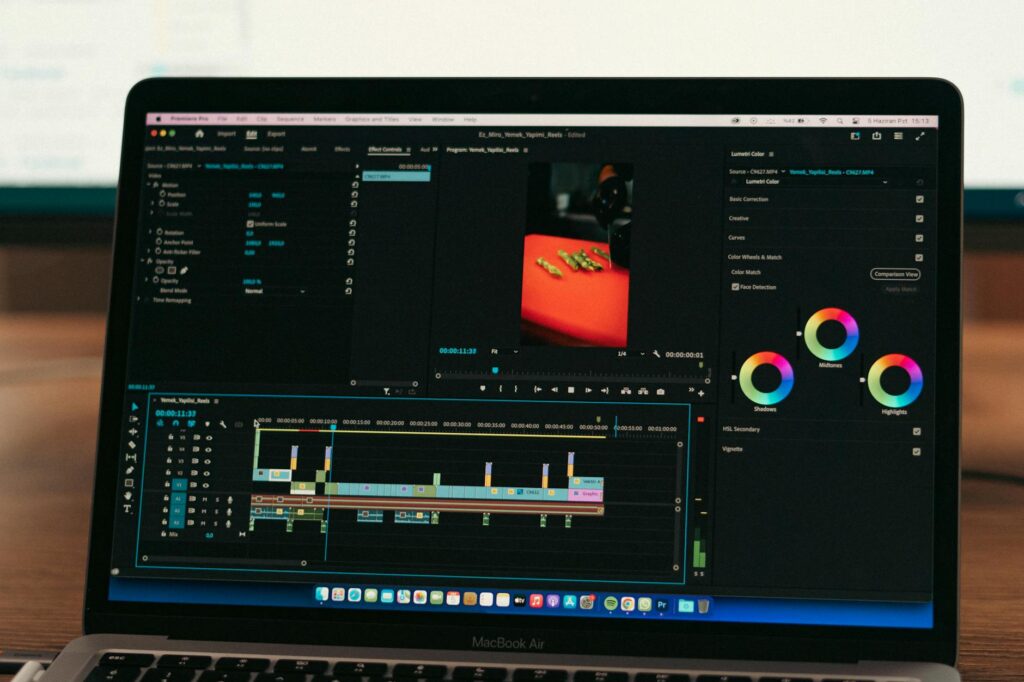
If you’re shooting your own clips, AI handles the heavy lifting after filming. Tools like Descript and Adobe Premiere Pro’s AI features let you edit by editing text transcripts, removing filler words automatically, and auto-cutting dead air. Descript’s “overdub” feature even lets you correct misspoken lines without re-recording. For recipe video ai workflows, this is huge. You can shoot a 45-minute raw kitchen session and have a tight 8-minute video ready in under two hours.
For thumbnails, Adobe Firefly or Midjourney can generate stylized food imagery that outperforms a rushed phone photo. Many successful food channels now use AI-generated thumbnails even when their video content is filmed traditionally.
For Fully AI-Generated Cooking Videos
Platforms like Pictory, InVideo AI, and Synthesia let you generate complete videos from a script alone. You paste in a recipe, the tool selects relevant stock footage (or generates it), adds captions, background music, and even a voiceover. Pictory specifically pulls from a library of millions of licensed food and cooking clips, making it a strong option for food content ai video production without ever picking up a camera.
Synthesia takes this further by giving you an AI avatar as the on-screen host. You write the script, pick an avatar, and the platform renders a presenter-led video. It’s not perfect for close-up cooking demonstrations, but for educational nutrition content, ingredient explainers, or “5 recipes for weight loss” style videos, it works remarkably well.
Building Your Recipe Script with AI (and Why Most Creators Skip This Step)
The script is where most recipe videos succeed or fail, and it’s the step creators rush through most often. A disorganized script means disorganized editing, unclear instructions, and viewers dropping off before the dish is finished.
ChatGPT, Claude, and Gemini are all capable of generating structured, engaging recipe scripts. But you need to prompt them correctly. A generic prompt like “write a script for a pasta carbonara video” produces generic output. A specific prompt works much better.
Try this structure: “Write a 7-minute YouTube cooking script for a classic spaghetti carbonara. The audience is beginner home cooks. Open with a 30-second hook about the most common mistake people make with carbonara. Include on-screen text suggestions for ingredient amounts. Add a natural transition to a product recommendation at the 5-minute mark. End with a verbal CTA asking viewers to subscribe.”
That level of specificity produces a script that’s nearly broadcast-ready. From there, you refine it in your own voice, adding personal touches, specific timing notes, and any jokes or observations that make your channel unique. The AI handles the structure; you provide the personality.
For ai recipe video creation at scale, this scripting approach is the foundation. If you’re producing three to five videos per week, batching your scripts through AI on Monday means your filming days later in the week are focused and efficient.
AI Voiceover and Audio: Getting It to Sound Natural
Voiceover quality can make or break a cooking video. Viewers tolerate a lot, but robotic, flat AI narration drives people away fast. The good news is that AI voice technology has improved sharply over the past two years.
ElevenLabs is currently the gold standard for AI voiceover. Its voices carry natural cadence, pause appropriately at punctuation, and handle the slightly excited, warm tone that food content demands. You can clone your own voice if you want the output to sound like “you” even when you’re not recording, which is useful for batch-producing videos or for creators who struggle with confidence on the mic.
Murf.ai and Play.ht are solid alternatives with broader voice libraries and slightly lower price points. For a cooking channel ai setup where you’re publishing high volume, these tools pay for themselves quickly in saved recording and editing time.
One practical tip: add natural pauses in your script text to guide the AI voice. Insert a period or comma where you want a breath. Phrases like “Now… add the eggs slowly” translate to more natural delivery than “Now add the eggs slowly.” Small adjustments make the final audio feel significantly more human.
Automating B-Roll and Visual Editing for Food Videos
B-roll is the visual glue of any cooking video. It’s the close-up of the sizzling pan, the overhead shot of ingredients being chopped, the steam rising from a finished dish. Gathering enough good b-roll is time-consuming when you’re filming solo.
AI tools solve this in two ways. First, platforms like Pictory and InVideo analyze your script and automatically pull relevant clips from stock libraries. For standard dishes and common techniques, this works well. A script mentioning “fold the egg whites gently” will trigger b-roll of folding techniques, whisking, and mixing bowls without you selecting anything manually.
Second, text-to-video AI tools like Runway ML and Pika Labs are becoming capable enough to generate short, stylized food clips from text prompts. “Close-up of golden pasta being twirled on a fork, cinematic lighting, shallow depth of field” can now produce a usable 3 to 5 second clip. The resolution and consistency still have limitations, but for atmospheric cutaways and recipe montages, AI-generated b-roll is already viable.
For editing structure, CapCut’s AI auto-cut feature deserves a mention. It analyzes your raw footage and suggests edit points based on detected activity and audio cues. Combined with its auto-caption feature, which creates styled subtitles synchronized to speech, it handles a substantial portion of the post-production workflow automatically.
Optimizing Titles, Thumbnails, and SEO with AI
Creating the video is only half the job. Getting it discovered is the other half, and AI is just as useful here as it is in production.
For titles and descriptions, ChatGPT can generate 10 to 15 YouTube title variations for any recipe video in seconds. Feed it your target keyword, your angle (“beginner-friendly”, “under 30 minutes”, “restaurant quality at home”), and your channel tone, and it returns options you can test. Pair this with a tool like TubeBuddy or VidIQ, which use AI to score title competitiveness and suggest related search terms, and you’ve got a solid SEO workflow.
Thumbnails deserve serious investment because they’re the primary driver of click-through rate. For food content ai video thumbnails specifically, contrast and color saturation matter more than in almost any other niche. People eat with their eyes first. Adobe Firefly can enhance actual food photos to look more vibrant and magazine-quality. Canva’s AI features can generate text overlays and layouts optimized for thumbnail readability at small sizes.
Don’t overlook AI for chapter markers and timestamps either. Descript and some YouTube-integrated tools can automatically detect topic transitions in your video and suggest chapter breaks, which improves watch time by letting viewers navigate directly to the part they need.
Building a Scalable Workflow: From Zero to Publishing
The real power of AI for cooking channel ai creators comes from combining these tools into a repeatable system. Here’s a workflow that takes a recipe from idea to published video in roughly three to four hours:
- Step 1 (15 minutes): Use ChatGPT to write a structured recipe video script with hooks, ingredient callouts, and a CTA.
- Step 2 (20 minutes): Refine the script in your own voice. Add personal notes, timing cues, and branded language.
- Step 3 (30 minutes): Film your cooking footage, or skip filming entirely and move to AI video generation.
- Step 4 (45 minutes): Import footage into Descript or CapCut. Use AI auto-cut, auto-captions, and transcript editing to rough-cut the video.
- Step 5 (30 minutes): Add AI-selected or AI-generated b-roll through Pictory or Runway ML where needed.
- Step 6 (15 minutes): Generate voiceover in ElevenLabs if you’re not using your own recorded audio.
- Step 7 (20 minutes): Create thumbnail variants using Canva AI or Adobe Firefly. Generate title options through ChatGPT and cross-reference with VidIQ.
- Step 8 (15 minutes): Write AI-assisted YouTube description with keyword-rich natural language, add timestamps, and schedule publication.
That’s eight steps, most of them running on AI assistance, producing a finished video that would have taken a full day’s work just three years ago.
What AI Still Can’t Replace in Food Video Production
Honesty matters here. AI tools are powerful, but they don’t replace everything. The sensory authenticity of real cooking, the sound of a knife on a wooden board, the smell metaphors in your voiceover, the unpredictable moment when your sauce breaks and you pivot on camera, those human elements are what builds loyal audiences in the food space.
Viewers follow cooking channels for personality as much as recipes. AI handles the production mechanics; your job is to inject the perspective, humor, cultural context, and genuine passion for food that no language model can fabricate. Use AI to remove friction from the technical side so you can invest more creative energy in the parts only a human can provide.
Start by picking one AI tool this week, whether that’s Descript for editing, ChatGPT for scripting, or ElevenLabs for voiceover, and build one video with it before adding more tools to your stack. Complexity doesn’t scale unless the foundation works. Get one piece of the workflow running smoothly, then layer in the next. That’s how you build a cooking channel that publishes consistently, looks professional, and actually grows.