Selling a property without a video in 2024 is like listing a home without photos , buyers scroll right past it. AI has completely changed what’s possible for agents and brokers who want professional-looking video content without hiring a full production crew.
The good news? You don’t need a film degree, a drone license, or a $5,000 camera to make videos that actually convert. Today’s AI real estate marketing video tools can take your existing photos, write your script, generate voiceovers, and stitch everything together in a matter of minutes. Let’s break down exactly how to use them.
Why AI Video Is Changing Property Marketing Forever
Traditional real estate video production costs anywhere from $300 to $1,500 per listing, depending on your market and the videographer. That’s a tough pill to swallow on a $200,000 condo, and it makes scaling content across dozens of listings nearly impossible. Property marketing AI changes that math completely.
Platforms powered by AI can now generate smooth, polished walkthrough-style videos from still photos using a technique called image animation or AI pan-and-zoom. Some tools go even further, creating fully synthetic interior views from floor plans. The result looks surprisingly close to what a professional videographer would produce, at a fraction of the cost.
Beyond cost, there’s the speed factor. A skilled videographer might take two to four days to shoot, edit, and deliver a finished video. An AI-generated version can be ready in under an hour. For agents working fast-moving markets where listings go live and go under contract within days, that speed is a genuine competitive edge.
Real estate promo AI has also made it easier to maintain brand consistency. Rather than hoping every contracted videographer captures the same tone and style, AI tools let you set templates, color palettes, fonts, and voiceover styles once and replicate them across every listing automatically.
Choosing the Right AI Tools for Realtor Video Creation
Not all AI video platforms are built the same, and the one that’s right for you depends on your workflow, budget, and how much customization you want. Here are the main categories worth knowing about.
All-in-One Real Estate Video Generators
Tools like Lumen5, Invideo AI, and Pictory are designed to take text or images and produce finished videos with minimal manual work. For realtor video AI purposes, you’d typically feed in your MLS listing description, upload your property photos, and let the platform generate a video with music, text overlays, and transitions. These are great for agents who need speed and simplicity above all else.
Some platforms have real estate-specific templates built in. Promo.com and Animoto both offer property listing templates that are ready to drop your photos into, with professional typography and music licensing already handled. You’re not starting from scratch.
AI Script and Voiceover Tools
If you want more control over the narrative, you’ll want a tool that helps you write a compelling script and then converts it to a natural-sounding voiceover. ChatGPT or Claude can write your property scripts in seconds if you give them a good prompt. Something like: “Write a 60-second real estate walkthrough script for a 3-bedroom craftsman home in Nashville with a renovated kitchen, large backyard, and proximity to good schools. Tone should be warm and aspirational.”
For the voiceover itself, ElevenLabs and Murf AI both produce remarkably human-sounding voices. You can choose a voice that matches your brand, adjust pacing, and even clone your own voice if you want the narration to sound like you without you actually recording anything. That last option is a game-changer for high-volume agents.
AI Video Editing and Enhancement Platforms
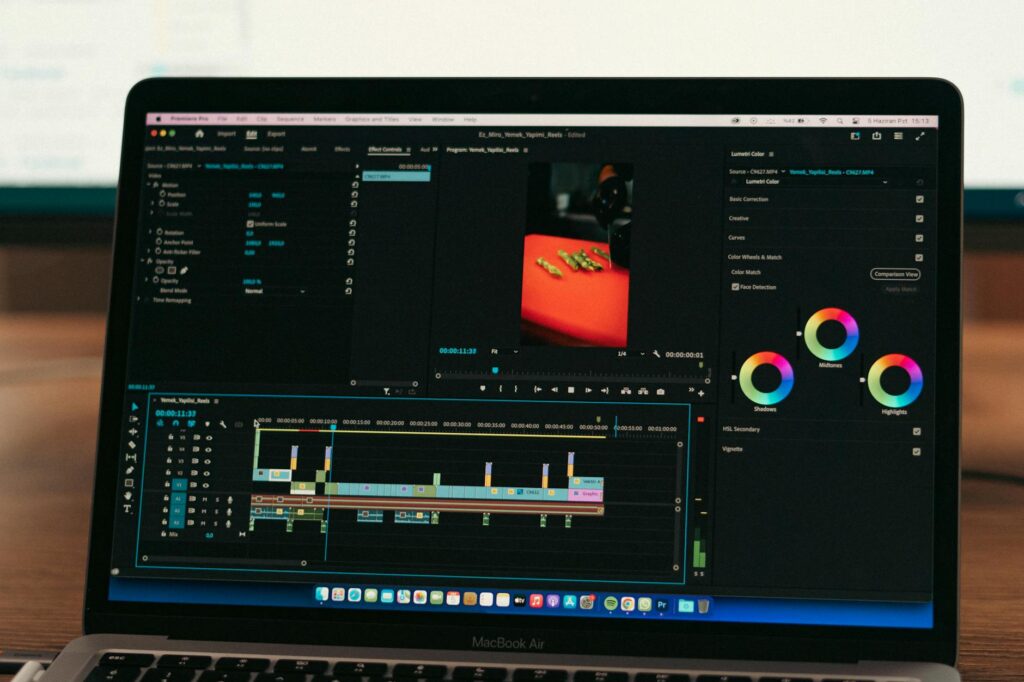
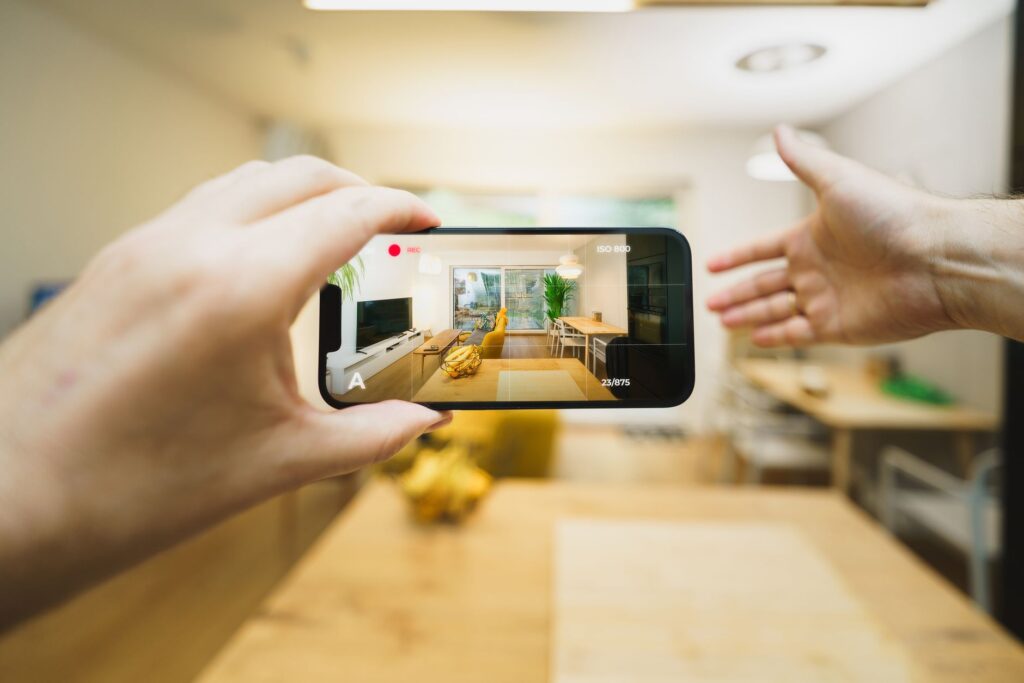
Tools like Runway ML and Adobe Firefly are better suited for agents who already have some footage and want AI to do the heavy lifting on editing. Runway can remove backgrounds, extend clips, stabilize shaky footage, and apply stylistic effects that would normally require hours of manual editing. If you’re filming quick walkthroughs on your phone, these tools elevate that raw footage significantly.
A Step-by-Step Workflow for Creating Your First AI Real Estate Video
Knowing which tools exist is helpful, but seeing how they fit together into an actual workflow is where things get practical. Here’s a process that works well for most agents starting out with ai realty video production.
Step 1: Gather Your Assets
Pull together your best property photos (ideally at least 15 to 20 high-resolution shots), your MLS listing description, and any key selling points you want to highlight. If you have short video clips, include those too. The better your inputs, the better your AI output.
Step 2: Write Your Script First
Don’t skip this step. Your video needs a narrative spine, not just pretty images floating by. Use an AI writing tool to draft a 60 to 90-second script that opens with the property’s strongest appeal, moves through the key features, and closes with a clear call to action. “Schedule your private showing today” beats “contact us for more information” every single time. Specificity drives action.
Step 3: Generate Your Voiceover
Drop your script into Murf AI, ElevenLabs, or even the built-in voiceover feature in many video platforms. Preview a few different voice options and pick one that fits the property’s tone. A sleek downtown loft might call for a confident, modern voice. A family home in the suburbs might feel better with something warmer and conversational. Most tools let you preview before you commit.
Step 4: Build the Video
Upload your photos and voiceover into your chosen video platform. If you’re using Invideo AI or a similar tool, you can paste your script directly and let the AI match your images to the narration automatically. Adjust the pacing so images change roughly every three to five seconds, or in sync with natural pauses in the voiceover. Add your brokerage logo, agent headshot, and contact information as text overlays in the final five seconds.
Step 5: Add Music and Export
Background music makes an enormous difference. Platforms like Artlist and Epidemic Sound offer royalty-free music libraries specifically licensed for commercial use. Many AI video tools have music built in, but be careful about licensing if you’re posting to YouTube or social media , copyright claims can mute your video or worse. Choose something subtle that doesn’t compete with the voiceover, around 20 to 30% of the voiceover volume.
Export at 1080p minimum. For Instagram Reels or TikTok, export a vertical version too. Most platforms will let you export multiple aspect ratios from the same project.
Making Your AI Real Estate Marketing Video Actually Convert
A polished video that doesn’t lead anywhere is just an expensive screensaver. The goal of an ai real estate marketing video isn’t just to look good , it’s to generate inquiries, showings, and offers. Here’s how to make sure that happens.
Lead With the Property’s Best Feature, Not the Address
Most listing videos open with a slow pan of the exterior. That’s fine, but your first five seconds should lead with the hook. If the kitchen is stunning, open there. If the backyard pool is the star, start there. Buyers decide in the first few seconds whether they’re going to keep watching, so give them a reason to stick around.
Keep It Under 90 Seconds for Social, 3 Minutes Max for YouTube
Attention spans are short, especially on mobile. Social media listing videos that perform best tend to run between 45 and 90 seconds. If you’re posting a more detailed walkthrough to YouTube or embedding it on a listing page, you can stretch to two or three minutes, but only if you have the content to fill that time meaningfully. Padding with slow transitions and repetitive shots kills watch time.
Include a Specific Call to Action
End every video with something actionable. “Click the link to see the full listing,” “DM me to schedule a private tour,” or “Call 555-123-4567 to make an offer before the open house.” Vague endings like “contact us today” work less well than specific instructions. Tell viewers exactly what to do next.
Post It Everywhere, But Optimize for Each Platform
The same video shouldn’t be posted identically across every platform. On Instagram, add captions because most viewers watch without sound. On YouTube, write a detailed description with the property address and key features. On Facebook, go live with the video if possible, since live content still gets preferential reach in the algorithm. AI realty video content only earns its ROI when people actually see it, so distribution matters as much as production.
What to Expect as the Technology Keeps Improving
It’s worth knowing where this technology is heading, because agents who adapt early tend to build the biggest advantages. Within the next two to three years, expect to see AI tools that generate fully 3D virtual tours from a single set of photos, real-time AI staging that can show buyers what a room looks like furnished in different styles, and personalized video ads that automatically tailor the narration to match the demographic profile of whoever is watching.
Some of these capabilities already exist in early form. Tools like REimagineHome let agents show virtually staged versions of empty rooms. Platforms like Matterport are already integrating AI-generated descriptions and highlights into their 3D tour products. The trajectory is clear: property marketing AI is moving from “nice to have” to “expected standard.”
If you’re a realtor who hasn’t started experimenting with AI video yet, pick one listing this week and run it through a free trial of Invideo AI or Animoto. Spend an hour, see what comes out, and post it. You’ll learn more from that one experiment than from reading a dozen more articles about it. The agents building audiences and generating leads with AI video content right now aren’t waiting for the technology to be perfect. They’re using it, improving it, and pulling ahead while everyone else is still deciding whether to start.