Most people think making a quality YouTube video takes a week, maybe two. They’re wrong, and a growing number of creators are proving it every single day using AI tools that handle the heavy lifting from concept to upload-ready file.
This isn’t about cutting corners or publishing garbage. It’s about building a smarter workflow where the machine handles the repetitive parts and you focus on the stuff that actually requires a human brain. If you’ve ever wanted to create a YouTube video in one day with AI, here’s exactly how it’s done, step by step, with the actual tools that make it possible.
Why the Old YouTube Process Was a Time Trap
Before AI became practical, a typical YouTube creator’s pipeline looked something like this: spend two days brainstorming and scripting, another day or two filming, then hand footage to an editor for three to five days of post-production. Even solo creators who wore every hat were routinely spending 15 to 20 hours on a single video. That pace is unsustainable for most people trying to grow a channel alongside a job or business.
The bottlenecks were always the same. Writing a tight, well-paced script takes time. Finding or creating B-roll takes time. Editing, color grading, adding captions, writing descriptions and titles, designing thumbnails, all of it stacks up fast. AI tools have quietly dismantled most of those bottlenecks. The result is that a fast YouTube AI workflow isn’t a fantasy anymore, it’s a Tuesday morning for thousands of creators.
Start With AI-Powered Research and Scripting
The day starts here, not with a camera or a timeline, but with a clean idea. Pick a topic you know your audience cares about. Then open a tool like ChatGPT, Claude, or Gemini and give it a detailed prompt. Don’t just type “write me a YouTube script.” Feed it context: the channel niche, target viewer, desired length, tone, and the specific angle you want to take.
A prompt like “Write a 700-word YouTube script for a personal finance channel targeting 25 to 35-year-old professionals. The topic is why index funds beat actively managed funds for long-term investors. Use a conversational tone with a strong hook in the first 30 seconds” will produce something genuinely usable, not perfect on the first pass, but a strong foundation.
Spend 20 to 30 minutes refining the output. Add your personality, swap out any phrases that feel robotic, and make sure the structure flows logically. This part can’t be entirely skipped because the AI doesn’t know your voice, only you do. But you’re editing, not building from scratch, and that difference saves roughly two hours right out of the gate.
For research support, tools like Perplexity AI are invaluable. Paste your topic in, and it pulls cited sources in seconds. You’re not just trusting the AI’s training data, you’re working with verifiable references you can weave into your script for credibility.
Voiceover, Avatars, and Footage Without a Camera
Here’s where the quick YouTube video AI workflow really separates itself from traditional production. You don’t need to film anything if you don’t want to. Several platforms now let you generate professional-grade video content from a script alone.
For voiceover, ElevenLabs remains one of the best options available. You can clone your own voice after providing a short audio sample, or choose from dozens of natural-sounding synthetic voices. Paste in your script, choose your voice, and export a clean audio file in minutes. The quality has reached the point where most viewers can’t distinguish it from a real recording.
If you want an on-screen presenter without appearing on camera yourself, tools like HeyGen and Synthesia generate AI avatars that lip-sync to your script. These work especially well for explainer-style videos, listicles, and educational content. You upload your script, select an avatar and background, and the platform renders a finished video segment. A five-minute video typically renders in under 15 minutes.
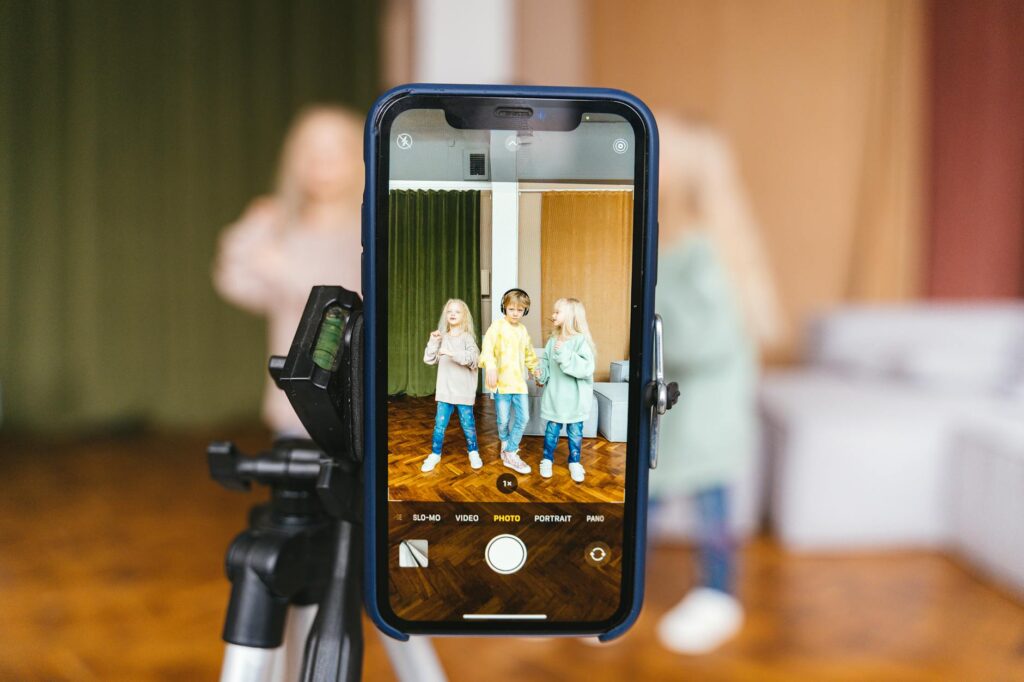
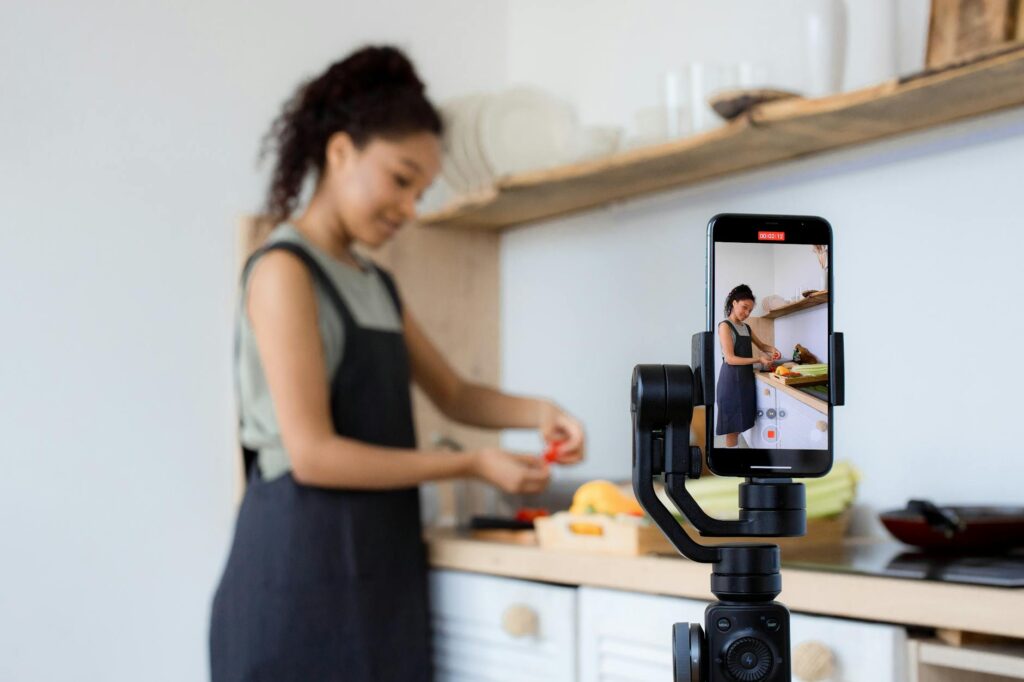
For creators who do want to appear on camera but need to cut filming time, tools like Descript’s Overdub feature and even basic teleprompter apps paired with a smartphone can compress a filming session to under an hour. You’re reading a polished script, not winging it, so the take count drops dramatically.
AI-Assisted Editing That Cuts Your Timeline in Half
Editing is traditionally where YouTube videos go to die. Or at least, where creator momentum goes to die. The good news is this stage has seen some of the most significant AI improvements over the past two years.
Descript is the tool most often recommended for creators adopting an AI YouTube workflow. It treats your video like a Google Doc. You edit the transcript and the video edits itself. Delete a sentence from the text and the corresponding footage disappears. It also automatically removes filler words like “um” and “uh” with a single click, which alone can save 30 to 45 minutes on a 10-minute video.
CapCut has also become a serious contender, especially with its auto-caption feature that generates subtitles in seconds. Subtitles aren’t optional anymore. Roughly 85% of Facebook video is watched without sound, and YouTube viewers behave similarly on mobile. Auto-captions used to require manual correction for hours. Now they’re accurate enough that a quick skim takes five minutes, not fifty.
For B-roll, tools like Runway and Pika Labs generate short video clips from text prompts. Type “busy city street at night, cinematic, slight camera movement” and you’ll have a usable clip in under two minutes. This won’t replace professional cinematography, but for background footage in explainer videos or cutaways, it does exactly what you need.
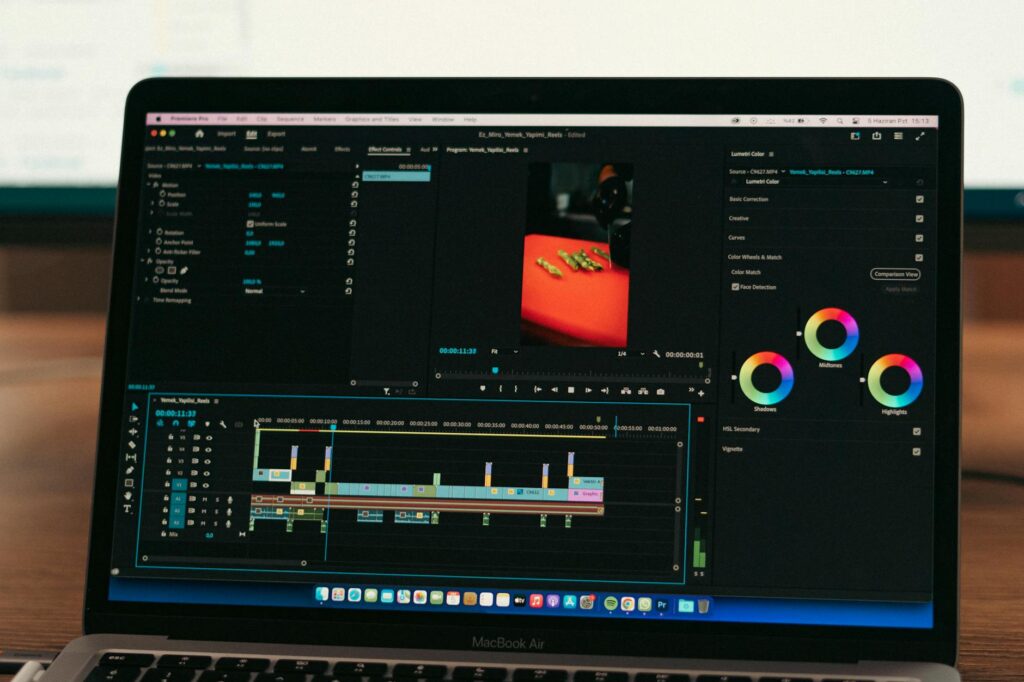
Adobe Premiere Pro has also integrated its AI-powered “Generative Extend” and auto-reframe features, which are genuinely useful when you’re trimming clips and need a frame held a beat longer or footage reformatted for Shorts. If you’re already in the Adobe ecosystem, these features reward you for staying there.
Thumbnails, Titles, and Descriptions in Under 30 Minutes
A lot of creators spend as much time on metadata as they do on editing, and it shows in their upload delays. This is also one of the easiest parts of the one day YouTube AI workflow to compress dramatically.
For thumbnails, Canva’s AI features have made a real difference. You start from a template optimized for YouTube’s 16:9 format, use the Magic Design feature to generate variations from a text description, and tweak colors, fonts, and layout in about 10 minutes. If you want something more polished or custom, Adobe Firefly generates background images and elements from text prompts that you can layer into any design tool.
Midjourney and DALL-E 3 are also strong options for generating thumbnail imagery. The trick is to be extremely specific with your prompt. Include lighting style, subject position, color palette, and the emotional tone you’re going for. A vague prompt gets a vague result.
For titles, use ChatGPT again. Give it five to ten candidate titles you’ve brainstormed and ask it to improve them for click-through rate while keeping them accurate and not clickbait. It’s good at this. You’ll usually find one or two options that are noticeably stronger than what you had.
Video descriptions and tags can be generated with tools like VidIQ’s AI coach or TubeBuddy’s AI features. Paste in your video topic and transcript summary, and you’ll get a structured description with natural keyword placement in about two minutes. These tools also give you tag recommendations based on real search volume data, which removes the guesswork from SEO entirely.
Putting the Full Day Together: A Realistic Timeline
Here’s how a real one day YouTube AI workflow looks when you put it all together with the tools above.
- 8:00 to 9:00 AM: Topic selection, AI-assisted research using Perplexity, and first-draft scripting with ChatGPT or Claude.
- 9:00 to 10:00 AM: Script refinement, adding your voice and examples, and final review.
- 10:00 to 11:30 AM: Voiceover recording with ElevenLabs or on-camera filming, plus avatar generation if applicable.
- 11:30 AM to 1:30 PM: Rough edit in Descript or CapCut, auto-captions, filler word removal, and B-roll integration from Runway or stock libraries.
- 1:30 to 2:30 PM: Color correction, music selection (Epidemic Sound or Artlist both have AI-powered track recommendations), and final review pass.
- 2:30 to 3:30 PM: Thumbnail creation in Canva or with Midjourney assets, title testing, description writing with VidIQ, and tags.
- 3:30 to 4:00 PM: Upload, schedule if needed, and a final quality check on the YouTube preview.
That’s a finished, publish-ready video in roughly seven to eight hours. Is every video going to be a masterpiece? No. But the quality ceiling on this workflow is higher than most people expect, and the consistency it enables is what actually builds channels.
The One Thing AI Still Can’t Do For You
Every tool listed here is genuinely useful, but none of them replace the one ingredient that makes a YouTube channel actually grow: a point of view. AI can write a technically competent script, but it doesn’t know what you believe, what frustrates you, or what story only you can tell. The creators who use these tools most effectively treat AI as infrastructure, not as the voice. They’re still the ones deciding what’s worth saying and why their audience should care.
If you haven’t tested a full AI YouTube workflow yet, pick your next video idea and commit to the process above for a single day. Don’t try to perfect the workflow before you try it. Just run through it once, publish the result, and note where the friction still lives. Iterate from there. You’ll be surprised how fast the whole thing starts to feel natural, and how much time you get back to do the work that actually moves the needle.