Your Podcast Is Already a Content Machine , You’re Just Not Using It That Way
Most podcasters are sitting on a goldmine they’re actively ignoring. Every episode you record contains dozens of shareable, binge-worthy moments that could be driving new listeners to your show every single week , but only if you actually pull them out and put them in front of people.
That used to mean hours of manual editing: rewatching footage, scrubbing timelines, writing captions by hand, exporting a dozen times for different aspect ratios. Now, AI handles most of that work for you. The explosion of tools built specifically for ai podcast video clips has completely changed what’s possible for independent creators and professional studios alike. If you’re not using them yet, you’re working significantly harder than you need to be.
This guide walks you through exactly how to use AI to turn your podcast episodes into compelling video clips, which tools are actually worth your time, and how to build a workflow that doesn’t eat your week.
Why Video Clips Are Non-Negotiable for Podcast Growth
Audio-only distribution is a closed loop. The people who find your podcast on Spotify or Apple Podcasts are largely already podcast listeners. Video clips, particularly short-form content on Instagram Reels, TikTok, YouTube Shorts, and LinkedIn, put your content in front of people who’ve never opened a podcast app in their lives.
The numbers back this up. According to a 2023 Edison Research report, roughly 42% of Americans 12 and older are monthly podcast listeners. That sounds impressive until you realize it also means 58% aren’t. Short video is how you reach the other half. A single 60-second clip with captions, a good hook, and a punchy moment can drive more new subscribers than three months of SEO-optimized show notes.
The problem has always been production time. Creating even one polished clip from a long-form episode used to require a real investment. Podcast clip ai tools eliminate most of that friction. What took two hours now takes fifteen minutes, and the output quality has gotten surprisingly good.
How AI Actually Processes Your Podcast Content
Before you pick a tool, it helps to understand what’s happening under the hood. Most podcast clips creation ai platforms work through a sequence of steps that would take a human editor considerable time to complete manually.
First, the AI transcribes your audio using speech-to-text models. Modern transcription accuracy is remarkably high, typically above 95% for clear audio, which matters because everything else depends on it. Once you have a transcript, the AI scans it for what it identifies as high-value moments: strong opinions, surprising statistics, emotional peaks, questions that get sharp answers, or moments where the conversation’s energy spikes.
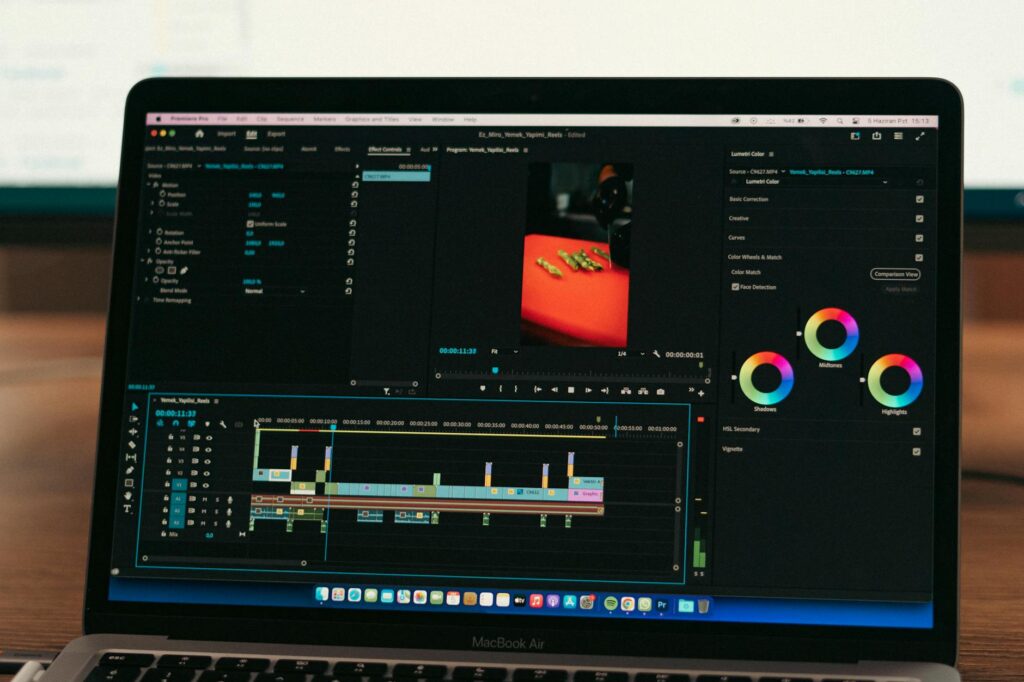
Then the tool generates clip suggestions, often ranked by predicted engagement. You review those suggestions, trim them if needed, and the platform handles the rest: adding captions, reformatting for different aspect ratios, applying your brand colors or templates, and exporting in formats ready for each platform.
The best podcast to video ai tools don’t just clip randomly. They’re trained on millions of pieces of content and have learned what makes something shareable. A moment where someone says “wait, actually, that’s completely wrong” scores higher than someone listing three bullet points about time management, because the former creates tension and the latter doesn’t.
The Top AI Tools Worth Actually Using
Opus Clip
Opus Clip is probably the most widely used podcast highlight ai tool right now, and for good reason. You paste in a YouTube URL or upload a video file, and it returns a set of ranked clips within a few minutes. Its “Curation Score” predicts virality based on factors like hook strength, pacing, and speaker energy. The auto-captions are accurate and stylish, with word-by-word highlighting that performs well on mobile. It handles speaker detection well and can keep the active speaker centered in a vertical frame automatically.
The free tier gives you a limited number of credits per month. For podcasters publishing weekly, you’ll likely want a paid plan, which starts around $15/month and offers significantly more clips and storage.
Descript
Descript approaches the problem differently. It’s a full editing platform where you edit video by editing the transcript text, which feels genuinely magical the first time you use it. It also includes an “Underlord” AI suite that can identify highlights, remove filler words, and generate clips from long recordings. If your podcast is recorded with video (which it should be, and we’ll get to that), Descript gives you fine-grained control alongside the AI automation. It’s a steeper learning curve than Opus Clip but significantly more powerful for creators who want polish.
Riverside.fm
Riverside is primarily a recording platform for remote podcasts, but its AI clip generation features have become a legitimate reason to use it over competitors. It records local high-quality audio and video from each participant separately, which means no compression artifacts from poor internet connections. The AI highlight detection works directly from your recording session, so you can often have clip drafts ready before you’ve even finished your post-production coffee. For podcasters who don’t yet record video, Riverside is the cleanest all-in-one option to start.
Munch
Munch positions itself as the most “marketing-aware” of the podcast to video ai platforms. It doesn’t just identify engaging moments; it analyzes trends across social platforms and tries to match your clips to what’s currently performing well. It can also repurpose clips for specific platforms with different framing, captions, and even suggested post copy. For podcasters running a personal brand or a business podcast, Munch’s focus on distribution strategy makes it worth a look.
Setting Up a Podcast That’s Built for Video Clipping
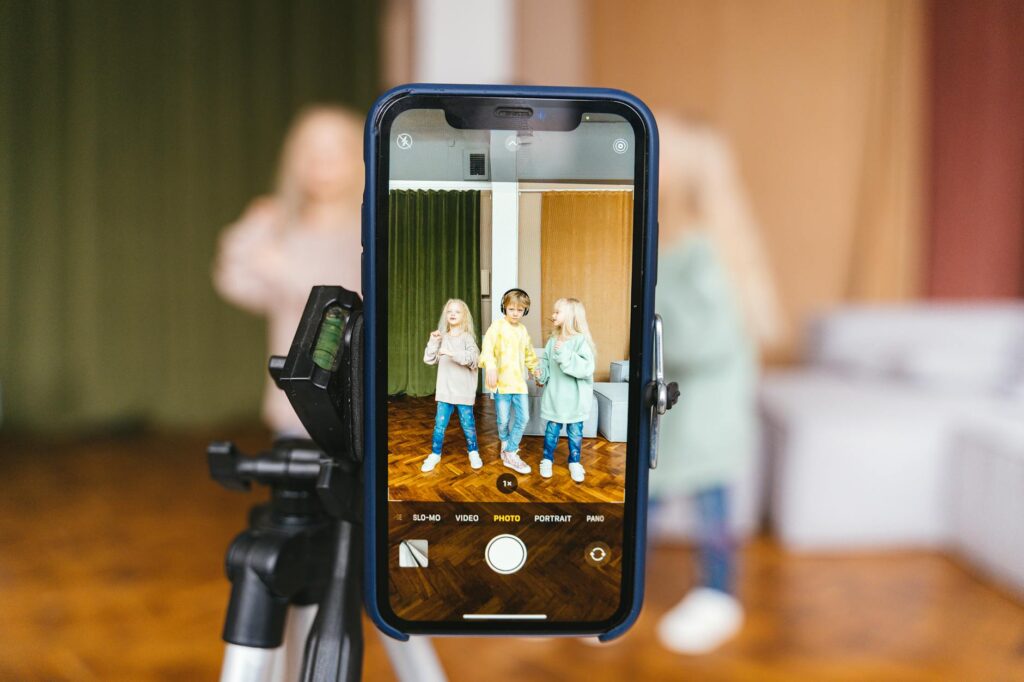
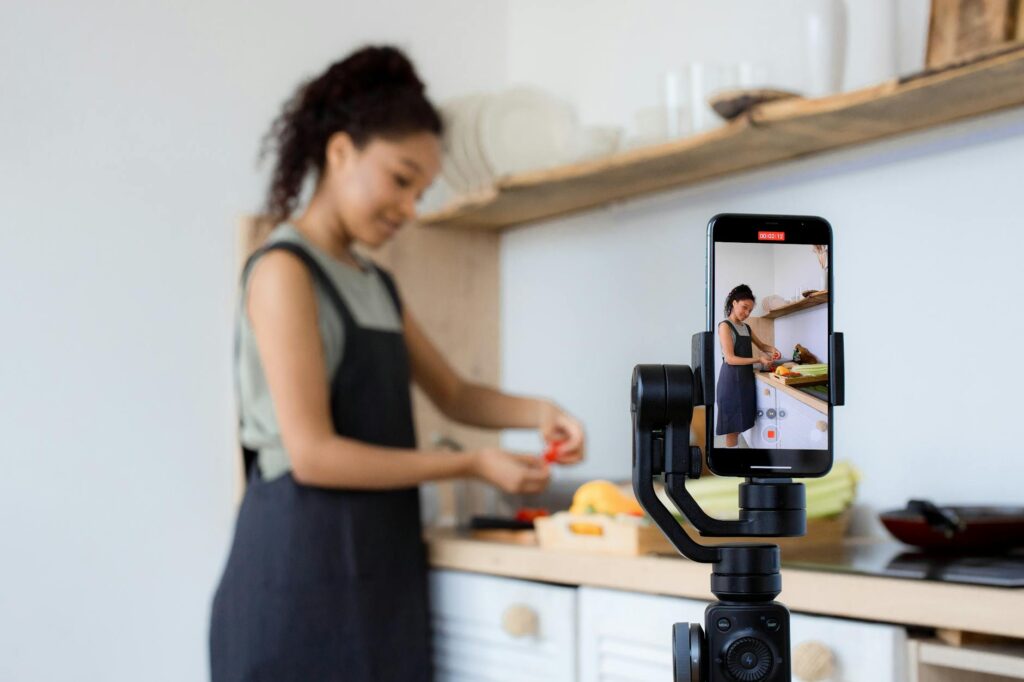
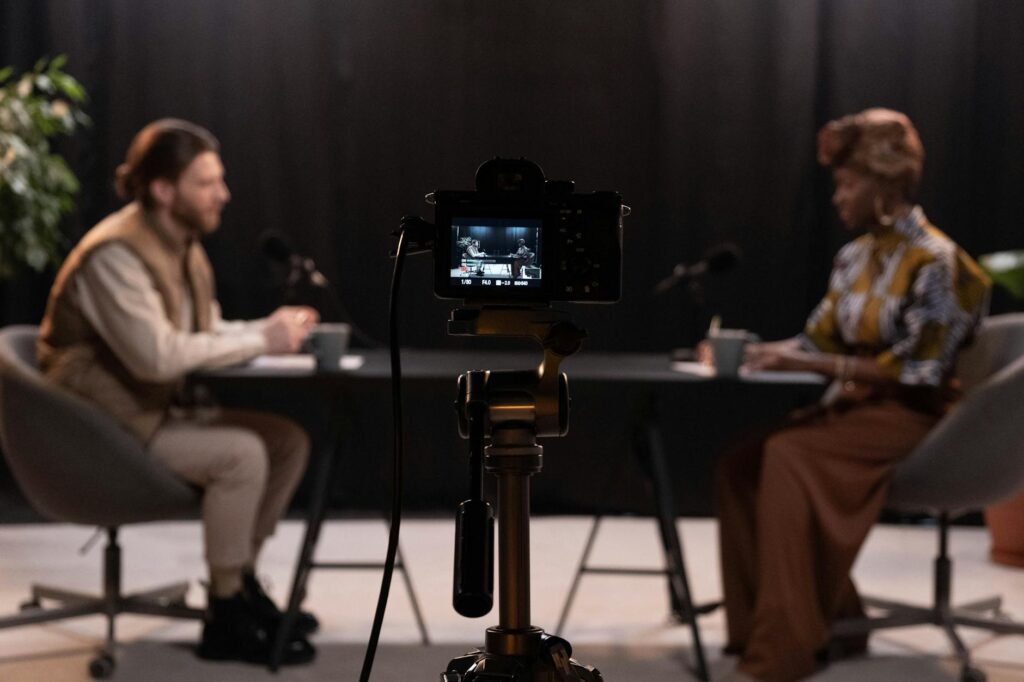
The AI tools can only work with what you give them. If you’ve been recording audio-only, now is the time to add a camera. It doesn’t require a professional setup. A decent webcam or a smartphone propped on a stand, pointed at your face with a window providing natural light, is enough to get started. Remote guests can record their side using tools like Riverside or Squadcast, which capture high-quality local video regardless of connection quality.
Recording in widescreen (16:9) gives you the most flexibility. AI tools like Opus Clip and Descript can reframe to vertical (9:16) for Reels and Shorts automatically, but they need enough frame to work with. A tight, well-lit shot is infinitely better than a wide shot in a dark, cluttered room.
Audio quality matters more than video quality. Viewers will forgive a slightly soft image, but they won’t forgive hollow, echoey sound. A USB condenser mic in the $80 to $150 range, like the Audio-Technica ATR2100x or the Blue Yeti, makes a dramatic difference in how professional your clips feel and also improves transcription accuracy, which improves every downstream AI output.
Building a Clip Creation Workflow That Actually Sticks
The biggest failure mode for podcasters using AI clip tools is inconsistency. You use the tool twice, post a few clips, don’t see immediate results, and stop. That’s not a tool problem, it’s a workflow problem.
Here’s a simple weekly process that keeps the output consistent without consuming your schedule:
- Record your episode with video, using whatever platform you’ve chosen. Keep a notepad nearby and jot down any timestamps where something particularly sharp or surprising gets said. These are your manual override candidates.
- Upload to your AI clip tool immediately after recording, before you even start editing the full episode. Let it process while you’re doing other things.
- Review the AI suggestions and your manual notes together. You’ll typically want to pull four to six clips per episode: one punchy 30-second hook, a couple of 60-second deep dives, and one or two 90-second clips for YouTube Shorts or LinkedIn.
- Apply your branding inside the tool. Most platforms let you set up a template once and apply it automatically: your logo, color scheme, and caption style.
- Schedule distribution across platforms. Tools like Buffer or Later can handle this, and some AI clip platforms have built-in scheduling. Spread your clips across the week rather than posting everything on launch day.
The whole process, once you’re comfortable with the tools, should take 30 to 45 minutes per episode. That’s a reasonable investment for content that can keep generating traffic for months.
What AI Can’t Do (And Where You Still Need Human Judgment)
AI clip tools are impressively good, but they’re not omniscient. They optimize for engagement signals: energy, tension, surprising statements, strong delivery. What they can’t reliably detect is context. A clip might look compelling but require 20 minutes of prior conversation to make sense to a new viewer. A human editor catches that; the AI often doesn’t.
You also need to review every clip before it goes out. AI-generated captions are accurate most of the time, but names, technical terms, and industry jargon regularly get mangled. Posting a clip where your guest’s name is misspelled in giant captions is embarrassing and avoidable with a 60-second review.
The AI handles the mechanical work. Your judgment handles the brand and the message. Think of it as a very fast, very capable assistant who needs a brief check before anything goes live.
Start With One Episode, Not a Perfect System
Don’t wait until you have the ideal recording setup, the perfect branding template, and a fully mapped distribution strategy. Take your most recent episode, run it through Opus Clip’s free tier today, and see what comes back. You’ll immediately understand what the AI is looking for, what it misses, and how much time it saves. That single experiment will teach you more than any planning session. The podcasters growing their audiences fastest right now aren’t the ones with the best equipment or the biggest budgets. They’re the ones consistently showing up with great short-form content, and they’re using AI to make that consistency actually sustainable. Start now, refine as you go.