Short Videos Are Dominating, and AI Just Made Them Way Easier to Make
Short form video is eating the internet, and if you’re not making it, you’re invisible. The good news? AI has completely changed what it takes to produce this stuff, and you no longer need a studio, a camera crew, or even a particularly good camera to get started.
We’re talking about tools that can turn a script into a polished video in minutes, clone your voice, generate avatars, auto-caption, and even suggest what topics will perform best on your platform of choice. The barrier to entry has basically collapsed. But knowing which tools to use, how to combine them, and what actually makes short form content work is where most people get stuck. Let’s fix that.
Understanding What Makes Short Form AI Video Actually Work
Before you touch any tool, you need to understand the format you’re working with. Short form video (we’re talking 15 to 90 seconds, generally) lives or dies by one thing: the hook. Viewers on TikTok, Instagram Reels, and YouTube Shorts decide whether to keep watching in the first one to three seconds. Not five. Not ten. Three.
AI tools can handle a lot, but they can’t save a weak hook. So when you’re building your workflow, always start with the idea and the opening line before you even open an app. Ask yourself: would someone stop scrolling for this? If the honest answer is no, rework it before you spend any time on production.
The other thing to keep in mind is that short form ai video performs best when it feels native to the platform. That means vertical orientation, captions (because roughly 85% of social video is watched with sound off), fast pacing, and a clear point. AI can help with all of this, but you’ve got to give it the right raw material to work with.
The Core AI Tools You Actually Need in Your Stack
There are hundreds of AI video tools out there. Most of them overlap, and a lot of them are overhyped. Here’s what’s actually worth your time based on the specific tasks involved in making ai short videos.
Script and Idea Generation
ChatGPT, Claude, or Gemini are your starting points here. You don’t need anything fancier. Give it a topic, a target platform, a tone, and a rough length, and it’ll spit out a usable script in seconds. The key is being specific in your prompt. “Write a 60-second TikTok script about why beginner runners make the same three mistakes” will get you something useful. “Write a script about running” will get you garbage.
Treat the output as a first draft. Read it out loud. Trim anything that sounds stiff. AI tends to over-explain, and short form video demands ruthless editing.
Video Generation and Avatars
If you don’t want to be on camera (or can’t be), tools like Synthesia, HeyGen, and Pictory let you create realistic AI avatars that can present your script in a finished video. HeyGen in particular has gotten really good at lip-sync accuracy and natural-looking motion, which matters a lot when you’re making tiktok ai video content where authenticity is everything.
These tools typically let you pick an avatar, paste in your script, choose a voice (or clone your own), and render a complete video. Turnaround time is usually a few minutes. The quality isn’t perfect, and savvy viewers will sometimes spot the AI, but for educational content, listicles, and explainer-style videos, it works extremely well.
Text-to-Video for B-Roll and Visual Content
Tools like Runway ML, Pika Labs, and Kling let you generate short video clips from text prompts. These are incredibly useful for b-roll, visual metaphors, or abstract content that would be impossible to film yourself. You’re not going to replace a full production with these yet, but dropping a few AI-generated clips into a video to illustrate a point? That works today, right now.
The trick is to use them strategically. A three-second clip of a glowing brain or a futuristic cityscape can make a talking-head segment feel much more dynamic without requiring any actual footage.
Editing and Auto-Captions
CapCut is probably the most popular short video ai tool in this category, and it’s free. It handles auto-captions, background removal, beat-synced transitions, and AI-generated effects all in one place. Opus Clip is another standout, specifically designed to take long-form content (like a podcast or webinar) and automatically clip it into short, shareable segments with captions already added.
Descript is worth mentioning too, especially if you’re repurposing longer content. It lets you edit video by editing the transcript, which sounds gimmicky until you actually try it and realize how much time it saves.
Building a Repeatable AI Reels Creation Workflow
Here’s where most people go wrong: they treat every video like a one-off project. They jump between tools randomly, they redo the same decisions each time, and they burn hours on a single 60-second clip. A proper workflow solves this.
Here’s a simple but effective process you can repeat consistently:
- Step 1: Ideation. Use a trend tool like TrendTok, Exploding Topics, or just the native search bar on TikTok or YouTube to find topics with momentum. Ask your AI writing tool to give you five angle options for each topic. Pick the most specific one.
- Step 2: Script. Prompt your AI to write a 60 to 90-second script with a strong opening hook, three quick points, and a closing line that prompts some kind of response (a question, a challenge, a recommendation).
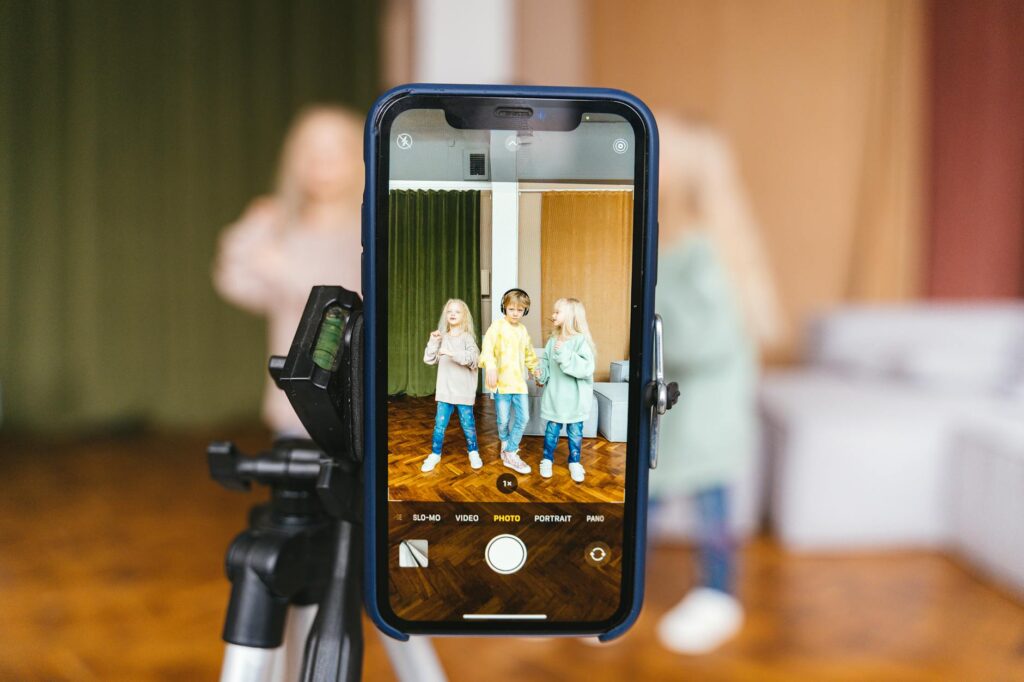
- Step 3: Record or Generate. Either record yourself using your phone (honestly still the most authentic option), or paste the script into HeyGen or Synthesia for an avatar-based video. If you’re recording yourself, use a short video ai tool like CapCut to clean up the footage afterward.
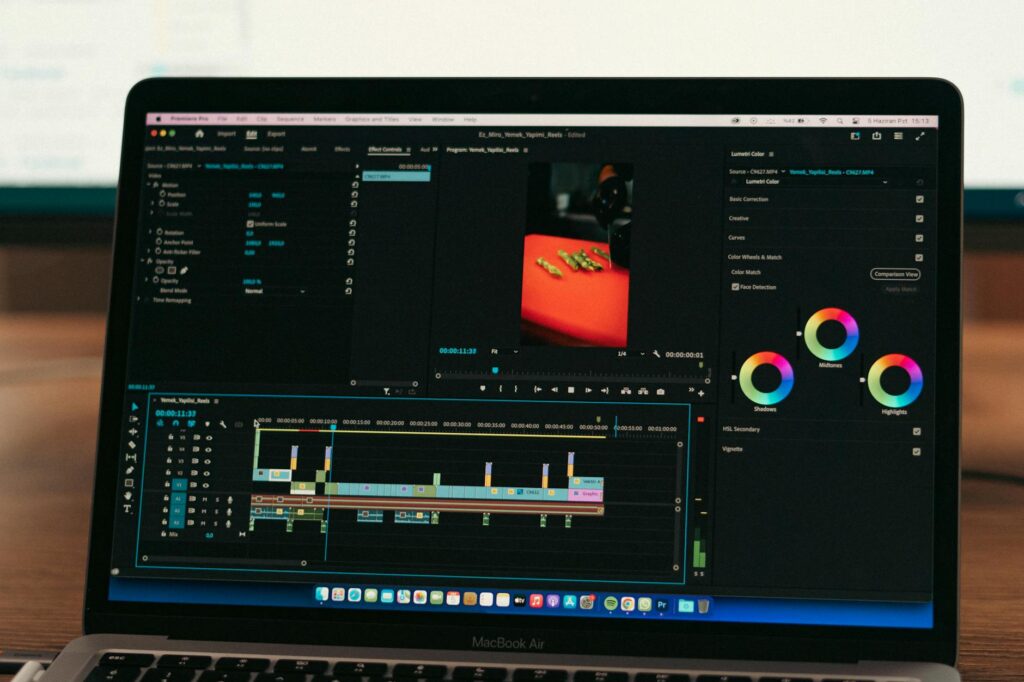
- Step 4: Edit and Caption. Drop the footage into CapCut or Descript. Add captions (always), trim any dead space, add background music at a low volume, and punch in on your face during key moments if you’re on camera.
- Step 5: Thumbnail and Hook Frame. The first frame matters even in short form. Make sure your opening frame is visually compelling. CapCut and Canva both have AI-assisted templates for this.
- Step 6: Publish and Analyze. Post it, then actually check the analytics 48 hours later. What was the average watch time? Where did people drop off? Did the hook work? Let the data tell you what to adjust next time.
Once you’ve run through this a few times, it genuinely starts to take 30 to 45 minutes per video rather than three hours. The ai reels creation process becomes muscle memory.
Platform-Specific Tips That Most People Skip
Not all short form platforms are the same, and your AI workflow needs to account for that. What kills it on TikTok might get ignored on YouTube Shorts and vice versa.
TikTok
TikTok rewards authenticity and trend participation. When you’re making tiktok ai video content, don’t make it too polished. Seriously. A slightly rough, raw feel often outperforms slick production on this platform. Use trending sounds (CapCut surfaces these directly), jump on trending formats, and write your caption with searchable keywords since TikTok’s search function has gotten much stronger over the past year.
Instagram Reels
Reels skew slightly more polished than TikTok. Aesthetic matters a bit more here. AI tools like Canva’s video editor or Adobe Express can help you add branded elements without it looking corporate. Carousel-style content also works well on Instagram if you’re repurposing the same idea across formats.
YouTube Shorts
YouTube Shorts benefits hugely from your existing long-form presence if you have it. Opus Clip is tailor-made for this use case. It’ll scan a 30-minute video, identify the most engaging moments, clip them, add captions, and even reframe vertical video automatically. If you’re already making long YouTube content, adding Shorts to your workflow costs almost nothing in extra time.
Common Mistakes That Waste Your Time and Kill Reach
A few patterns come up constantly among people who are new to this process and not seeing results yet.
First, over-relying on the AI output without editing it. AI scripts are a starting point, not a finished product. If you post content that sounds like a robot wrote it (even if a human is reading it), audiences feel that disconnect immediately. Edit it until it sounds like you.
Second, skipping captions. This is non-negotiable. With 85% of viewers watching without sound, no captions means you’re invisible to most of your potential audience. Every short video ai tool worth using has auto-caption functionality. Use it.
Third, inconsistency. The algorithm on every short form platform rewards consistency. One great video won’t build an audience. Posting three to five times a week for two months will. Your AI workflow is specifically designed to make that volume sustainable, so use it.
Fourth, ignoring the data. Post and forget is not a strategy. The platforms give you real-time feedback on what’s working. A 70% average watch time on one video tells you something. A 20% drop-off at the two-second mark tells you something different. Read it, adjust, repeat.
Start Small, But Start Now
You don’t need to build the perfect setup before you start making ai short videos. Pick one tool, write one script, post one video. Then do it again. The learning curve is genuinely short when you’re working with AI assistance, and the only real mistake is waiting until everything feels ready, because it never does.
If you’re starting from zero today, the simplest possible stack is ChatGPT for scripting, your phone for recording, and CapCut for editing and captions. That combination costs you nothing and can produce quality short form content immediately. Once you’ve got a rhythm, layer in HeyGen, Opus Clip, or Runway as your needs grow. The tools will keep improving too, so the sooner you start building your workflow, the sooner you’ll be ahead of the people who are still waiting to begin.