A great video sales letter can convert cold traffic into paying customers faster than almost any other format. And now, with the right tools, you don’t need a copywriter, a film crew, or a studio budget to make one.
VSLs have been a staple of direct response marketing for decades. The formula works: hook the viewer, agitate the problem, present the solution, stack the value, close with urgency. What’s changed is who gets to use that formula. AI has essentially democratized the whole process. Solopreneurs, small agencies, and bootstrapped founders can now create a polished, persuasive ai video sales letter without ever stepping in front of a camera.
Here’s exactly how to do it, step by step.
Why VSLs Still Convert Better Than Most Content Formats
Before we get into the tools, it helps to understand why you’re building one in the first place. Video sales letters outperform static landing pages in a lot of verticals. Studies from marketing platforms like Wistia and Unbounce have shown that video on a landing page can increase conversions by anywhere from 20% to over 80%, depending on the offer and audience.
The reason is simple. Video keeps people engaged longer. It controls the pace of information delivery. A written sales page lets the reader skim straight to the price and bounce. A VSL forces a more linear experience. Combined with good scripting, that linear experience is where persuasion actually happens.
That’s what makes vsl ai creation so compelling right now. The persuasion mechanics haven’t changed. What’s changed is how fast and cheaply you can execute them.
Step One: Use AI to Write a Script That Actually Converts
The script is everything. A beautiful video with a weak script will flop. A plain video with a killer script can make serious money. Start here, not with the video tools.
Use ChatGPT, Claude, or any capable large language model to draft your VSL script. But don’t just type “write me a sales video script.” That’ll give you something generic. Instead, feed the AI a detailed brief. Include:
- Your product or service and what it does
- The primary pain point your customer is dealing with
- Who your ideal buyer is (be specific: age, situation, what they’ve already tried)
- The main transformation or result your offer delivers
- Your price point and any bonuses or guarantees
- The tone you want (conversational, urgent, authoritative)
Ask the AI to follow a proven VSL structure. The classic Problem-Agitate-Solution (PAS) framework works well, but you can also prompt it to use the “Open Loop” format where it teases a big reveal early on to keep viewers watching. Tell the AI you want the script to be around 1,000 to 1,500 words for a 7-to-10-minute VSL, which is the sweet spot for most offers in the $47 to $997 price range.
Once you have a draft, review it like a human. Does the opening hook make you want to keep watching? Is there a clear villain (the problem or the old way of doing things)? Does it build emotional momentum before introducing the product? Edit ruthlessly. AI gives you a strong starting point, but your specific knowledge about your audience is what makes the script sharp.
Step Two: Turn Your Script Into a Voiceover Without Recording a Word
Once your script is solid, you need audio. This used to mean hiring a voice actor from Voices.com or Fiverr, or recording yourself in a treated room. Now you’ve got much faster options.
Tools like ElevenLabs, Murf, and Play.ht let you generate realistic AI voiceovers from text in minutes. ElevenLabs in particular has voices that are genuinely hard to distinguish from human recordings. You can clone your own voice if you want that authentic personal touch, or choose from a library of pre-built voices that match different tones: confident, warm, authoritative, energetic.
For a video sales letter ai workflow, paste your script in, select a voice, adjust the pacing slightly (most AI voices benefit from a small slowdown to 90-95% speed), and export the audio file. Run it through Adobe Podcast’s free AI enhancement tool if you want cleaner audio quality before you move to the next stage.
Don’t overthink this step. Listeners care about clarity and pacing, not whether the voice is technically AI-generated. If it sounds good and moves at a comfortable pace, it’ll do the job.
Step Three: Build the Visuals Using AI Video Tools
Here’s where it really gets interesting. You’ve got your script. You’ve got your voiceover. Now you need visuals that support the message without distracting from it.
There are a few different directions you can go, depending on your budget and style preference.
Option A: AI Avatar Presenters
Tools like HeyGen, Synthesia, and D-ID let you create a realistic on-screen presenter using an AI avatar. You upload your script (or voiceover file), select an avatar, and the platform generates a video of that avatar delivering your message with natural lip sync and gestures.
This approach works especially well when your audience expects a “talking head” style presentation, which is common in online courses, SaaS demos, and coaching offers. HeyGen’s avatars in particular have improved dramatically in 2024. They’re no longer the uncanny valley nightmare they used to be.
Option B: Slideshow-Style VSL With AI Visuals
This is probably the most common format in direct response marketing and it’s also the easiest to produce. Think simple slides with bold text, transitions, and relevant visuals synced to your voiceover.
Use a tool like InVideo AI or Pictory to automate this. You can paste your script directly into these platforms and they’ll auto-generate a rough cut with stock footage, text overlays, and music. The auto-generated version usually needs some cleanup, but it cuts your editing time by 70% or more. Swap out any stock clips that feel off-brand, adjust the text timing to match the voiceover beats, and you’re mostly done.
Option C: AI-Generated Imagery and Custom Scenes
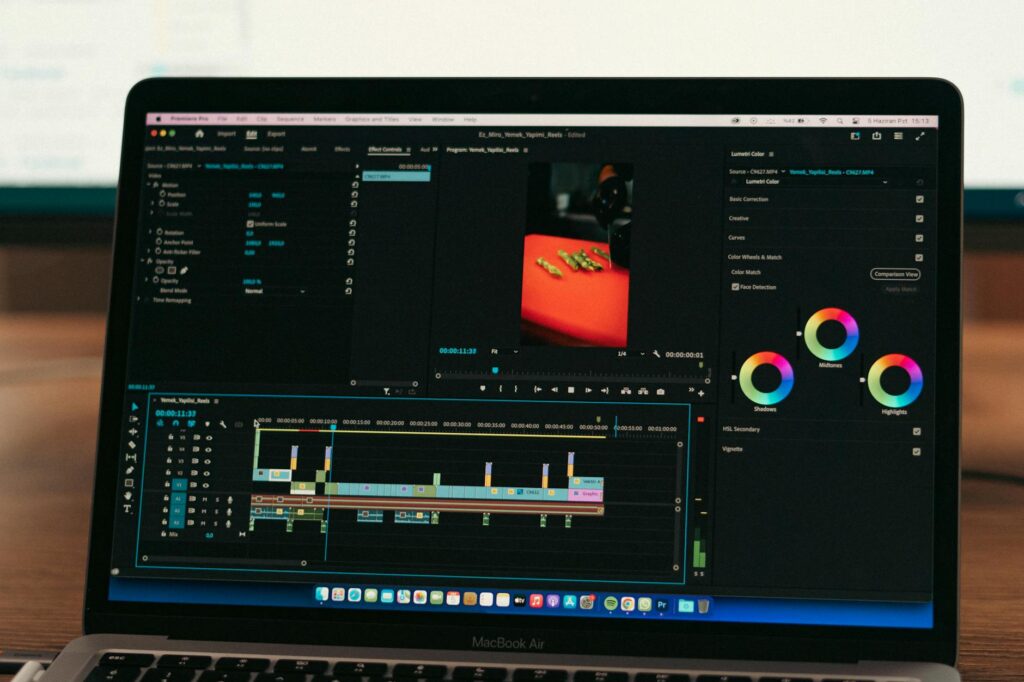
If you want something more distinctive, use Midjourney or DALL-E 3 to generate custom images for key moments in your VSL. Think: visuals of the “before” state (the pain), the transformation, the result. Then sequence those images in CapCut or Adobe Premiere with your voiceover laid underneath.
This takes more manual work but produces a more unique visual identity. It’s worth it for premium offers where production quality signals credibility.
Step Four: Add the Elements That Actually Drive Conversions
Here’s where a lot of DIY VSLs fall short. People focus too much on making the video look good and forget that specific conversion elements do the heavy lifting at the end.
When you’re editing your final video, make sure you include:
- Pattern interrupts: Every 90 seconds or so, change something visually. A new background color, a zoom, a text callout. This keeps the brain engaged and reduces drop-off.
- Social proof moments: Drop in testimonials, screenshots of results, or customer photos at the right moments. AI tools like Canva can help you design these quickly and consistently.
- A clear call to action with urgency: Don’t just say “click below.” Give them a reason to act now. Limited spots, a bonus that expires, a price that increases. Make it feel real because it should be real.
- Subtitles or captions: Roughly 85% of video on social media is watched without sound. Even if your VSL lives on a landing page, captions help. Use Kapwing or Descript to auto-generate them and style them to match your brand.
It’s also worth adding a progress bar to your VSL player if you’re hosting it through a platform like Vimeo or Wistia. Some VSL purists say to remove it so people can’t skip ahead. Others find that showing progress reduces anxiety and actually increases completion rates. Test both and see what your audience responds to.
Step Five: Host, Launch, and Optimize With AI Analytics
Once you’ve put together your ai persuasion video, you need somewhere to put it. Vimeo Pro and Wistia are both solid choices for landing page VSLs. They give you control over the player, no distracting suggested videos at the end, and detailed heatmap analytics showing exactly where viewers drop off.
That drop-off data is gold. If 60% of viewers are leaving at the 3-minute mark, something in that section is losing them. Go back to the script. Is there a weak transition? A section that feels too long? Tighten it up and retest.
Tools like VidIQ (if you’re distributing on YouTube) and Hotjar (on landing pages) can give you additional behavioral data. Pair that with A/B testing different thumbnails, opening hooks, or CTAs using a tool like Google Optimize or even just manual split testing across two traffic sources.
The ability to create vsl ai content quickly means you can afford to iterate. Most successful VSLs aren’t the first version. They’re version three or four after rounds of data-informed editing.
The Stack That Works Right Now
If you want a simple, repeatable setup that doesn’t require a huge learning curve, here’s what works in 2024: Claude or ChatGPT for the script, ElevenLabs for the voiceover, InVideo AI or HeyGen for the video production, Descript for captions and cleanup, and Wistia for hosting and analytics. Total monthly cost for these tools sits somewhere around $100 to $150. That’s a fraction of what a single professionally produced VSL used to cost.
Start with one offer, one audience, and one script. Get the workflow down before you try to scale it. Once you’ve done it once, you’ll be able to turn around a new VSL in a day or two. That speed is the real competitive advantage AI gives you. Use it.