Why Explainer Videos Still Drive Results (and AI Makes Them Faster)
Explainer videos convert. Studies consistently show that landing pages featuring a well-crafted explainer video can boost conversions by 80% or more, and yet most small and mid-sized businesses never make them because the traditional production process is expensive, slow, and complicated. AI changes that equation completely.
Creating an ai business explainer video used to mean hiring a scriptwriter, a voiceover artist, a motion graphics designer, and possibly an animator, then waiting weeks for the final product. Now, with the right AI tools, a solo founder or a lean marketing team can produce professional-quality explainer content in hours. The output isn’t perfect out of the box, but it’s far better than nothing, and with a bit of strategic effort, it can genuinely compete with traditionally produced material.
This guide walks you through the full process: choosing your tools, writing a script that actually works, generating visuals and narration, and polishing the final product so it looks intentional rather than automated.
Choosing the Right AI Tools for Your Video Stack
There’s no single AI platform that does everything brilliantly. The best approach is to build a small stack of two or three tools that each handle a specific part of the production process. Here’s how to think about it.
All-in-One AI Video Platforms
Platforms like Synthesia, Pictory, and HeyGen let you create business video ai content from a script alone. You paste in your text, choose an AI avatar or a visual style, select a voiceover, and the platform renders a finished video. Synthesia is particularly strong for corporate training and product demos, where a talking-head presenter adds credibility. HeyGen has become a go-to for marketers who want to clone their own voice and likeness, which adds a layer of authenticity that generic avatars can’t match.
Pictory takes a different approach. It’s designed to convert long-form written content (blog posts, whitepapers, scripts) into short video clips automatically. If you already have written content about your product or service, Pictory can accelerate your workflow significantly.
Script and Copy Generation Tools
ChatGPT, Claude, and Jasper are all capable of generating solid first-draft explainer scripts. The key is to give them detailed context. Don’t just say “write an explainer video script for my software company.” Instead, provide your target audience, the core problem you solve, your unique differentiator, and the one action you want viewers to take. A specific prompt produces a usable draft; a vague one produces generic filler.
Voiceover and Audio Tools
ElevenLabs produces some of the most convincingly human AI voices currently available. For businesses that want their explainer content ai to feel warm and credible rather than robotic, investing time in selecting the right voice and adjusting the pacing within ElevenLabs pays off. Murf.ai is another strong option with a clean interface and a wider range of accent and tone options, which matters if your audience is international.
Writing a Script That AI Can Actually Work With
The script is the foundation. A weak script fed into even the best AI video tool will produce a weak video. This is the step most people rush, and it’s why so many AI-generated explainers feel hollow.
Keep your script short. A 90-second explainer video needs roughly 200 to 250 words of script, which is less than most people expect. Every sentence needs to earn its place. If a line doesn’t explain a benefit, address an objection, or move the viewer toward action, cut it.
A Structure That Consistently Works
Use a simple four-part framework:
- The Problem (15-20 seconds): Name the specific pain your audience experiences. Be concrete. “Most small business owners spend 6+ hours a week on invoicing” lands harder than “managing your finances can be time-consuming.”
- The Solution (20-25 seconds): Introduce your product or service as the answer. Don’t list features yet. Focus on what changes for the customer.
- How It Works (30-40 seconds): Walk through two or three key steps or features. Keep it simple. Viewers don’t need to understand your entire product, they need to understand enough to feel confident.
- The Call to Action (10-15 seconds): Tell them exactly what to do next. “Start your free trial,” “Book a demo,” or “Visit our website” are all direct and clear.
When you use an AI writing tool to draft this script, paste this structure into your prompt as explicit instructions. Tell the tool which section it’s writing and what the word count should be. You’ll get a much more usable output.
Generating Visuals: Where AI Video Tools Shine and Where They Fall Short
AI-generated visuals have improved dramatically over the past two years, but they still require human judgment to use well. Here’s what to know before you start generating.
Stock Footage vs. AI-Generated Imagery
Platforms like Pictory and InVideo pull from large libraries of licensed stock footage and match clips to your script automatically. For most business use cases, this approach actually works better than fully AI-generated visuals. Stock footage looks familiar and real, which builds trust. AI-generated imagery can occasionally look slightly off, particularly with human faces and hands, and viewers notice even if they can’t articulate why.
That said, AI image generation tools like Midjourney and DALL-E 3 are genuinely useful for creating custom illustrations, branded abstract visuals, and product mockups. If your explainer video needs visuals that don’t exist anywhere as stock footage (a futuristic interface, an abstract concept, a branded character), AI image generation fills that gap cleanly.
AI Avatars and Presenters
AI company video content that features a presenter tends to perform better than pure motion graphics because it maintains a human connection. Synthesia offers over 150 AI avatars across different ethnicities, ages, and presentation styles. If none of the default options match your brand voice, both Synthesia and HeyGen allow you to create a custom avatar from a short video recording of yourself or a team member.
Custom avatars require more setup time, usually an hour-long recording session under specific lighting conditions, but the result is a digital version of you that can deliver scripts in multiple languages, appear in dozens of videos, and never need to be rebooked.
Assembling and Editing the Final Video
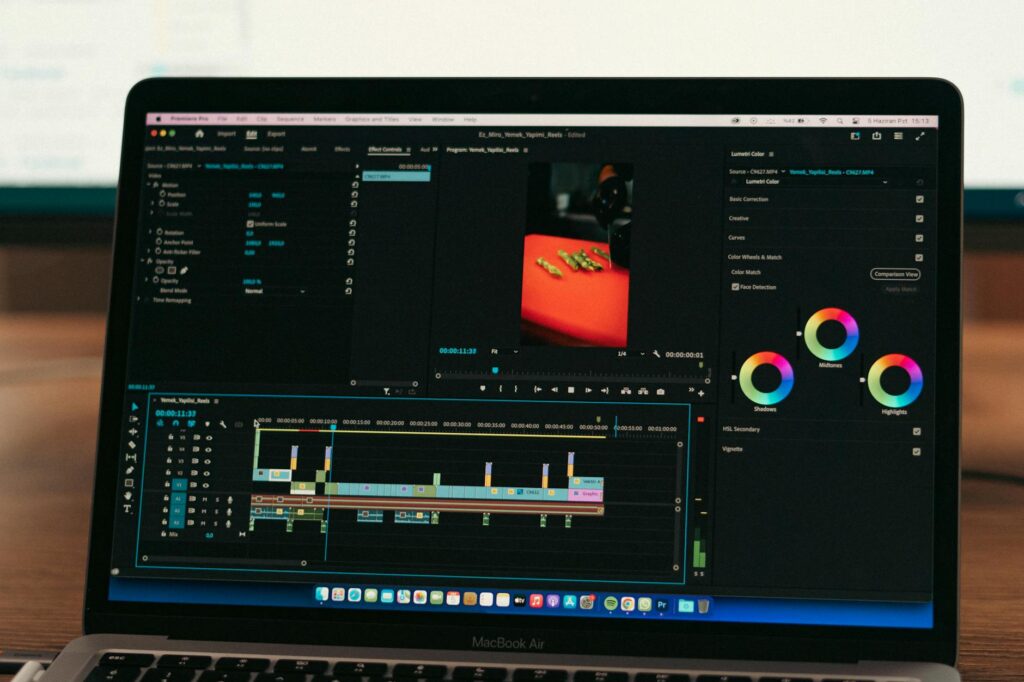
Once you’ve got your script, voiceover, and visuals, you need to bring them together in an editor. Many AI platforms handle this automatically, but understanding the editing layer helps you produce a better result.
Using CapCut or Adobe Express for Final Polish
Both CapCut and Adobe Express have incorporated AI-assisted editing features that simplify assembly. Auto-captioning is one of the most valuable: roughly 85% of social media video is watched without sound, so accurate captions aren’t optional if you want your ai business explainer video to reach its full audience. CapCut’s auto-caption tool is fast and accurate, and it lets you style the text to match your brand colors and fonts in minutes.
For transitions and pacing, keep it simple. Over-edited videos with lots of jump cuts and flashy transitions can feel cheap. A clean, professional pace with smooth cuts between sections reads as more credible than something that looks like it was edited by someone trying too hard.
Adding Music and Sound Design
Background music matters more than most people realize. AI music platforms like Soundraw and Epidemic Sound’s AI composer let you generate royalty-free background tracks that match a specific mood and tempo. For a create explainer ai workflow, using an AI music tool means you’re not searching stock libraries for 45 minutes trying to find something that fits. You describe the mood, set the length, and download the track.
Keep music low in the mix, ideally 15 to 20 decibels below the voiceover. The goal is to add energy and professionalism, not distraction.
Distribution: Getting Your Explainer Video in Front of the Right People
An explainer video that sits on your hard drive converts nobody. The distribution strategy for your explainer content ai matters as much as the production quality.
Your homepage is the first priority. Place the video above the fold if your design allows it, or immediately below your hero section. A/B test it against a version without the video if you’re using a platform like HubSpot or Unbounce. The data tends to speak clearly within a few weeks.
YouTube is the second priority, not because YouTube will necessarily send you a flood of organic traffic immediately, but because a YouTube-hosted video can be embedded on any page, shared in email campaigns, and found through Google search. Optimize your YouTube title and description with the keywords your potential customers actually search for, not just the terms you prefer internally.
LinkedIn is consistently underused for business video content. Short explainer clips (60 to 90 seconds) posted natively on LinkedIn outperform link posts by a significant margin in most B2B categories. If you’re producing an ai company video primarily for a business audience, LinkedIn distribution should be in your plan from day one.
Start Small, Iterate Fast
The biggest mistake businesses make with AI video tools is waiting until they have the perfect script, the perfect avatar, and the perfect strategy before publishing anything. Don’t do that. Build a simple 60-second explainer using one of the all-in-one platforms, put it on your homepage and your LinkedIn profile, and watch how people respond. The feedback you get from a real audience in two weeks is worth more than any amount of internal revision. AI has made iteration cheap. Use that to your advantage, publish early, measure honestly, and improve the next version based on what you learn.