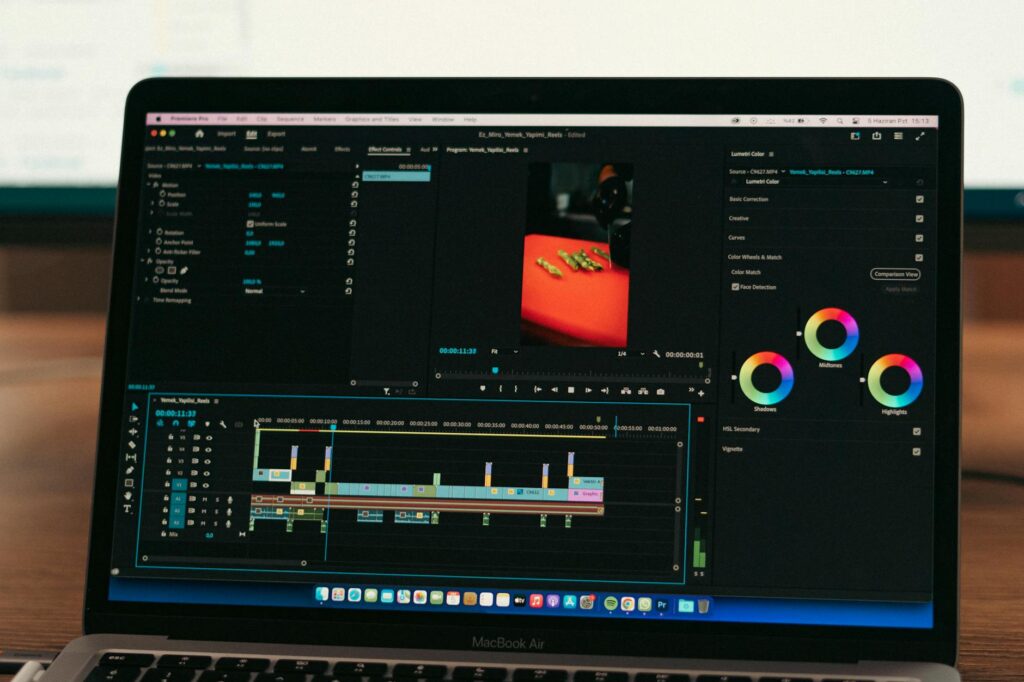
Picture this: you’ve got a head full of money tips that could genuinely help people, but no camera, no editing skills, and no budget for a production team. A year ago, that combination meant your ideas stayed stuck in your head. Now, with the right AI tools, you can build a personal finance channel from scratch, producing polished, informative videos without ever touching a camera or learning a single keyboard shortcut in Premiere Pro.
The explosion of AI video tools has made this easier than most people realize. We’re not talking about robotic, lifeless content either. The best ai finance videos being produced right now look and sound professional, engage real audiences, and drive genuine traffic. This guide walks you through exactly how to build that workflow, step by step.
Why Personal Finance Is One of the Best Niches for AI Video Content
Finance content performs exceptionally well on YouTube, TikTok, and Instagram Reels. According to data from Tubics and various creator economy reports, personal finance sits consistently among the top five most-searched categories on YouTube, alongside health and fitness, tech reviews, and cooking. People are always looking for help with budgeting, debt payoff strategies, investing basics, and tax tips.
Here’s the key advantage for AI creators: personal finance content is heavily script-driven. Unlike a cooking video where someone needs to see hands chopping vegetables, a personal finance ai content piece works beautifully with a clear voiceover, supporting visuals, and on-screen text. That’s exactly the environment where AI tools thrive. You don’t need a face on camera. You don’t need a studio. You need great information, delivered clearly.
Channels like Andrei Jikh and Graham Stephan built massive audiences before AI tools existed, but newer creators are now competing directly with them by using smart automation to publish consistently and keep production costs near zero. Consistency is the real currency of growth on these platforms, and AI hands you that consistency on a silver platter.
Step One: Generating Your Script with AI Writing Tools
Everything starts with the script. Before you touch any video tool, you need a solid, well-researched piece of writing that sounds like a human who knows what they’re talking about. This is where tools like ChatGPT, Claude, or Gemini come in, but you need to use them correctly.
Don’t just type “write me a script about budgeting.” That produces generic fluff. Instead, feed the tool a specific angle. Try something like: “Write a 600-word video script for a beginner who just realized they’ve been overdrafting their checking account every month. Include three actionable steps, a relatable opening story, and a clear call to subscribe at the end.” That level of specificity produces something actually useful.
For personal finance specifically, accuracy matters enormously. An ai money tips video that gives bad financial advice can genuinely harm viewers, so always verify any figures, tax rules, or investing principles before they go into your final script. Run your draft through a second AI pass asking it to fact-check for common financial misconceptions. It won’t catch everything, but it catches a lot.
Once you’ve got a polished script, read it aloud before doing anything else. If you stumble on a sentence, your AI voiceover will sound even worse on it. Smooth it out now.
Step Two: Turning That Script Into a Voiceover
This is where most beginners are genuinely surprised by how far the technology has come. AI voice tools like ElevenLabs, Murf, and Play.ht can generate voiceovers that sound remarkably human, complete with natural pauses, varying tone, and even emotional inflection.
For a finance channel ai setup, you’ll want to choose a voice that sounds authoritative but approachable. Deep, calm, and clear works well for content about money because viewers unconsciously associate that voice profile with trustworthiness. Spend time in the voice library testing different options before committing to one. Many successful faceless finance channels use the same consistent AI voice across all their videos, which builds a kind of audio brand identity over time.
ElevenLabs, in particular, lets you clone a voice from a short audio sample. If you’re comfortable recording just a few minutes of yourself speaking, you can create an AI version of your own voice that handles all future narration. This is a powerful middle ground: your voice, your personality, zero performance anxiety.
Export your voiceover as a clean MP3 or WAV file. Quality settings matter here. Always export at the highest available bitrate, because compressed audio on finance content sounds cheap and kills credibility.
Step Three: Building the Visuals That Bring the Numbers to Life
Finance is abstract. Percentages, compound interest curves, debt avalanche calculations. These concepts need visual support to land properly with viewers who are learning for the first time. This is where AI video generation and stock footage tools do the heavy lifting.
Tools like Pictory, InVideo AI, and Steve.AI can take your script and automatically suggest or generate matching visuals. Pictory is particularly strong at this. You paste in your script, and it pulls relevant stock footage clips, adds animated text overlays, and assembles a rough video cut automatically. You’re not done at that point, but you’re 70% of the way there in about 10 minutes.
For charts and data visualizations, tools like Canva’s AI features or Piktochart let you build clean, branded graphics quickly. If you’re explaining something like the 50/30/20 budgeting rule, a simple animated pie chart beats 90 seconds of talking over generic office footage every single time. Don’t skip the visuals just because AI makes the voiceover easy. The best personal finance ai content pairs strong audio with visuals that actually teach something.
There’s also a newer category worth knowing about: AI avatar tools. Platforms like HeyGen and Synthesia let you create a virtual on-screen presenter that moves its mouth in sync with your voiceover, gestures naturally, and looks like a real person. For viewers who expect a face on camera, this can dramatically increase watch time compared to pure stock footage videos. Several finance channels have built large audiences using HeyGen avatars without ever disclosing that it’s AI-generated, though being transparent about it actually builds trust with today’s audiences who respect the honesty.
Step Four: Editing and Packaging With AI Assistance
Once you’ve got your voiceover and visuals assembled, you need to tighten everything up. Traditional editing requires skill and time. AI editing tools compress both requirements significantly.
Descript is one of the most useful tools in this space for finance creators. It treats your video like a document. You edit the transcript, and the video edits itself. Delete a sentence of text, and that moment disappears from the video. It’s genuinely as simple as it sounds, and it makes trimming a 10-minute rough cut down to a punchy 7-minute final video a task that takes 20 minutes rather than two hours.
Captions and subtitles matter too. Research consistently shows that a large percentage of social media video is watched without sound, particularly on mobile. Descript, Kapwing, and even YouTube’s own auto-caption tool all do a solid job of generating accurate subtitles. For finance content, accuracy on captions is particularly important since misheard financial terms (think “Roth IRA” vs. “Roth IRA rollover”) can actually mislead viewers. Always proofread captions for proper nouns and technical terms.
For thumbnails, Midjourney or DALL-E can generate eye-catching background images, and Canva’s text overlay tools let you build a consistent thumbnail style quickly. Finance thumbnails that perform well typically feature a bold number (like “$47,000 PAID OFF” or “7% Returns Explained”), a strong contrasting color palette, and clean, readable fonts. You can batch-create thumbnail templates in Canva and just swap the text for each new video.
Building a Repeatable System That Compounds Over Time
The real magic of using AI for your finance channel ai workflow isn’t any single tool. It’s the system you build where each piece feeds the next. Script gets generated and fact-checked, voiceover gets created from the script, visuals get assembled from the voiceover, editing trims everything tight, captions go on automatically, thumbnail gets built from a template. Start to finish, a consistent creator can produce a polished 8-10 minute finance video in three to four hours using this stack.
Compare that to the old approach: filming, reshooting, logging footage, editing manually, color correcting, and spending an entire weekend on one video. The AI workflow lets you publish two or three videos per week instead of one every two weeks. On YouTube especially, that compounding publication rate has a dramatic effect on channel growth over a 12-month period.
Topic selection matters too. Use tools like TubeBuddy or vidIQ to identify trending searches in the personal finance space. Right now, topics like “how to survive on one income,” “high-yield savings accounts explained,” and “beginner stock portfolio under $1,000” consistently generate strong search volume with manageable competition for newer channels. Build your ai money tips video calendar around these searches, and you’re not just creating content, you’re answering questions people are actively asking.
If you’ve been sitting on finance knowledge and telling yourself you’d start creating content when you had better equipment or more time, that excuse is genuinely gone. The tools exist. The barrier is lower than it’s ever been. Pick one topic you actually know well, write a specific script today, and run it through this workflow. Your first video won’t be perfect, but by your tenth, you’ll have a system that works, an audience that’s growing, and proof that the idea was worth starting.