Cutting Hours Off Your Edit Without Cutting Quality
Video editing is a time sink, and most creators know it. What used to take a full day of timeline scrubbing, color correction, and audio cleanup can now be handled in a fraction of the time if you know how to use the right AI tools. This isn’t about replacing your creative judgment. It’s about giving the tedious stuff to a machine so you can focus on the decisions that actually matter.
Whether you’re a solo YouTuber grinding out weekly uploads or a freelance editor juggling client projects, learning to ai speed video editing tasks is one of the highest-leverage skills you can pick up right now. The tools are more capable than most people realize, and they’re getting better every few months.
Where AI Actually Helps (and Where It Doesn’t)
Let’s be honest about what AI can and can’t do. It can’t replace taste. It won’t magically know that your client wants a cinematic mood or that your YouTube audience responds to fast cuts and punchy pacing. What it can do is handle the mechanical, repetitive work that eats up hours before you even get to the creative stuff.
The biggest time savings come from four areas: transcription and auto-captioning, rough cut assembly, color grading presets, and audio cleanup. Across these four tasks alone, editors who adopt AI tools are routinely reporting time savings of 40 to 60 percent on their total edit time. That’s not a small number. On a project that normally takes 10 hours, you’re looking at finishing in 4 to 6.
The areas where AI still struggles include nuanced storytelling decisions, complex motion graphics, and anything requiring a deep understanding of brand voice or emotional arc. Keep those tasks for yourself. Hand off everything else.
Starting With Transcription: The Foundation of a Faster Edit
If you’re not already editing from a transcript, you’re making your life harder than it needs to be. Tools like Descript, Adobe Premiere’s speech-to-text feature, and dedicated platforms like Simon Says can transcribe your footage in minutes rather than the hour it would take you to log it manually.
Once your footage is transcribed, you can edit the text like a Word document and the video follows along. Delete a sentence from the transcript, and that clip is gone from the timeline. It’s one of the cleanest examples of how a faster editing AI workflow actually feels in practice. You stop thinking in terms of clips and start thinking in terms of ideas, which is how good editors think anyway.
Descript in particular is worth calling out. It’s built around this transcript-first philosophy, and for talking-head content, interviews, podcasts with video, and documentary-style projects, it’s dramatically faster than any traditional NLE approach. Some editors report cutting their rough cut time by 70 percent on dialogue-heavy content.
Auto-Assembly Tools That Actually Work
Beyond transcription, a handful of tools now offer genuine rough cut assembly. Opus Clip is popular for taking long-form content and automatically identifying the most engaging clips for short-form social. It uses AI to detect high-energy moments, strong statements, and clear narratives, then packages them into vertical clips ready for TikTok, Reels, or YouTube Shorts.
For longer-form assembly, Adobe’s Auto Reframe and Premiere Pro’s AI-assisted rough cut features are baked right into the software many editors already use. Premiere’s Text-Based Editing lets you pull selects from transcripts across multiple clips without ever scrubbing through raw footage. For a 30-minute interview where you need a 5-minute highlight reel, this is genuinely transformative.
Runway ML takes a different approach. It’s more of a creative AI sandbox, but its video-to-video generation and inpainting tools are genuinely useful for fixing continuity issues, removing unwanted objects, or generating B-roll when you simply don’t have the footage you need. It’s one of those edit faster AI tools that does things that weren’t even possible two years ago.
The key with auto-assembly is to treat the output as a starting point, not a finished product. AI will get you to a solid 60 to 70 percent version quickly. Your job is to refine that last 30 to 40 percent into something that has personality and intention.
Color Grading With AI Assistance: Fast and Consistent
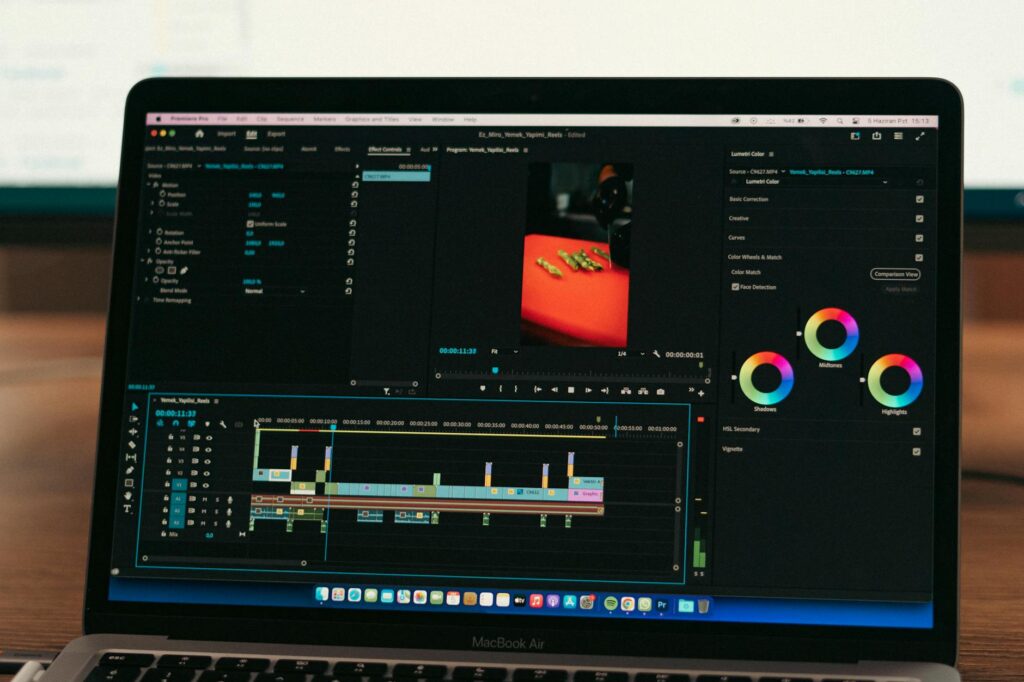
Color grading is one of those tasks where AI tools have made remarkable progress. DaVinci Resolve’s Color Intelligence features can analyze your footage and apply a balanced primary grade in seconds. It’s not always perfect, but it gets you to a neutral starting point far faster than doing it by eye.
Dehancer and LUTS AI tools can match the look of one clip to another automatically, which is a huge deal for multi-camera shoots or projects where your footage came from several different sources. Consistency across a timeline used to mean spending hours matching skin tones and exposure levels shot by shot. Now it’s closer to a few minutes of adjustment work on top of an AI-generated baseline.
Magic Bullet Looks and its newer AI-powered presets are another strong option for fast, polished grading. If you’re delivering content regularly, building a small library of AI-assisted looks that match your brand or client’s aesthetic means you can apply a cohesive grade to an entire project in under five minutes. That’s the kind of repeatable efficiency that transforms a video workflow AI strategy from a nice idea into an actual business advantage.
Audio Cleanup: The Invisible Time Saver
Bad audio kills good video. It’s also one of the most time-consuming things to fix manually. Adobe Podcast’s Enhance tool (also available as Enhance Speech in Premiere Pro) can clean up noisy, echoey, or muffled audio with a single click. The results genuinely sound like the audio was recorded in a treated studio, even when it was recorded on a laptop mic in a kitchen.
iZotope RX is the professional standard for audio restoration, and its AI-powered modules can isolate and remove wind noise, air conditioning hum, reverb, and background chatter automatically. For editors who aren’t audio engineers, this used to mean either hiring someone or delivering subpar audio. Now it means spending about five minutes on cleanup instead of 90.
ElevenLabs and similar voice AI tools are starting to enter the workflow too, particularly for fixing flubbed lines. If a speaker mispronounced something or stumbled over a word, you can sometimes regenerate that line with an AI voice that matches closely enough to pass. It’s not a universal solution yet, but for certain content types it’s already practical.
Building an AI-Powered Video Production Pipeline
The real power of AI video production speed comes not from using one tool, but from connecting them into a coherent pipeline. Here’s what a streamlined workflow might look like for a 10-minute YouTube video:
- Upload raw footage to a transcription tool like Descript or Adobe Premiere’s speech-to-text. Let it run while you make coffee.
- Edit the rough cut from the transcript, pulling your best material in 20 to 30 minutes instead of two hours.
- Run audio through Adobe Enhance Speech or iZotope RX for a clean baseline in about five minutes.
- Apply an AI-assisted color grade in DaVinci Resolve or use a smart preset in Magic Bullet. Another five to ten minutes.
- Use Opus Clip or a similar tool to automatically generate short-form clips from the finished video for social distribution.
- Export and deliver.
This pipeline doesn’t remove you from the process. You’re still making creative decisions at every stage. But instead of spending your mental energy on transcribing, logging, manually matching exposure, and scrubbing through audio waveforms, you’re spending it on storytelling and craft. That’s the shift.
Choosing the Right Tools for Your Specific Workflow
Not every AI tool makes sense for every editor. Here’s a practical breakdown of what to prioritize based on your content type:
- Talking-head and interview content: Descript is your highest-leverage investment. The transcript-based editing alone will change how you work.
- Corporate and brand video: Adobe Premiere’s AI features plus Magic Bullet Looks for consistent grading across deliverables.
- Social media and short-form: Opus Clip for automatic clip generation, CapCut for quick AI-assisted text animations and effects.
- Documentary and narrative: Adobe’s Text-Based Editing for selects, Runway ML for visual effects and cleanup, iZotope RX for audio.
- High-volume content production: A combination of Descript, Adobe Enhance Speech, and auto-captioning tools will give you the fastest repeatable gains.
The best edit faster AI tool for you is the one that removes the specific bottleneck slowing you down the most. Audit your last three projects and identify where the hours actually went. Transcription? Color? Audio? Start there.
The Learning Curve Is Shorter Than You Think
A lot of editors hesitate to adopt AI tools because they assume there’s a steep learning curve. For most of these tools, that’s just not true. Adobe’s AI features are built into software you’re probably already in. Descript’s interface is intentionally simple. Opus Clip requires almost no setup at all.
Spending two hours learning one new AI tool this week could save you five hours on your very next project. And those savings compound. Editors who’ve integrated AI into their video workflow report that within 30 days of adoption, the new process feels completely natural and the old way feels unthinkably slow.
Pick one bottleneck, find the tool that addresses it, and spend an afternoon getting comfortable with it. Don’t try to overhaul everything at once. One solid improvement to your pipeline is worth more than ten tools you downloaded but never actually used. The editors who win with AI aren’t the ones with the longest list of subscriptions. They’re the ones who’ve genuinely integrated a few great tools into work they do every single day.